Connecting to a Wi-Fi network no longer requires typing long passwords repeatedly. Modern Windows systems now support connecting to Wi-Fi using a QR code, making the process faster, safer, and more convenient. This guide explains how the feature works, why it matters, and how users can benefit from it in daily life.
What Does “Connect to Wi-Fi Using a QR Code” Mean?
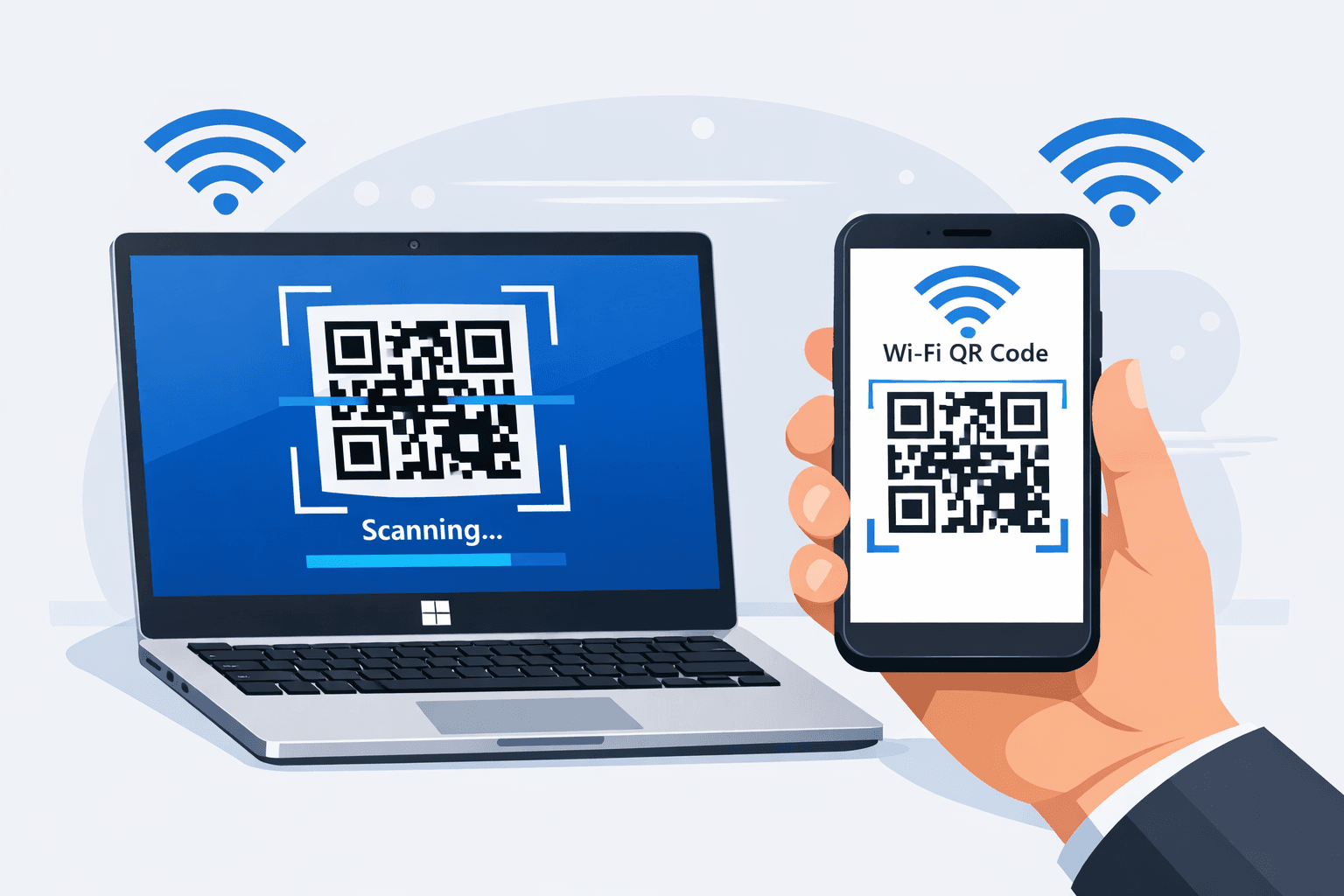
Connecting to Wi-Fi using a QR code allows users to join a wireless network by scanning a code instead of manually entering the network name and password. The QR code securely stores the Wi-Fi credentials and shares them instantly.
On Windows devices, this feature is especially helpful in offices, shared environments, and homes with multiple devices.
How QR Code Wi-Fi Connection Works on Windows
A QR code contains encrypted Wi-Fi details such as:
Network name (SSID)
Security type
Password
When scanned, Windows reads the encoded information and connects the device to the network automatically. This eliminates typing errors and improves connection speed.
Why Windows Users Prefer QR Code Wi-Fi Connection
Using a QR code to connect to Wi-Fi on Windows offers several advantages:
Faster network access
Reduced password sharing
Lower risk of typing incorrect credentials
Better experience for guests and shared systems
This method is particularly useful when dealing with complex or lengthy Wi-Fi passwords.
Devices and Windows Versions That Support QR Code Wi-Fi
Most modern Windows devices support QR code Wi-Fi connections, especially:
Laptops and tablets with cameras
Systems running updated Windows versions
Devices with built-in camera or connected webcams
Keeping Windows updated ensures compatibility with newer connectivity features.
Ways to Connect to Wi-Fi Using a QR Code on Windows
There are different practical ways users connect to Wi-Fi through QR codes on Windows devices.
Using the Built-in Camera or Webcam
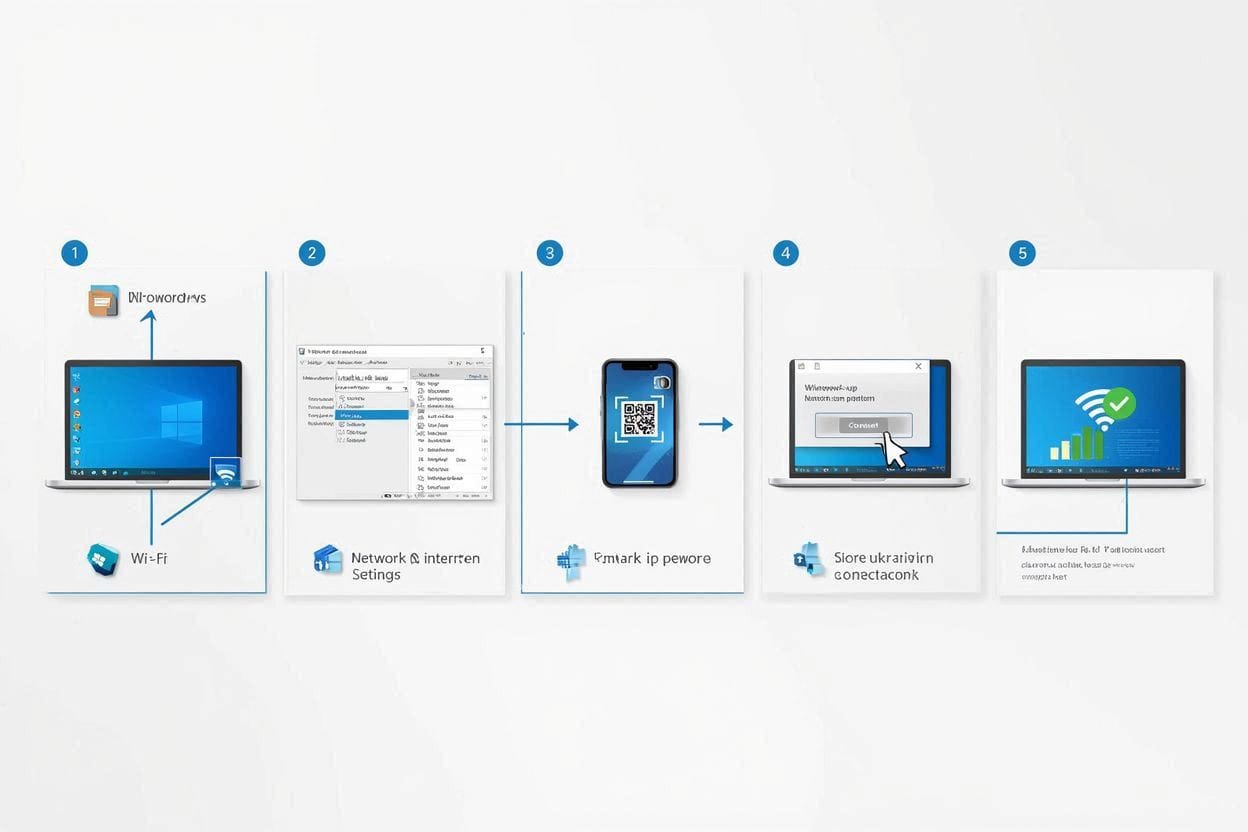
Windows devices equipped with a camera can scan Wi-Fi QR codes directly. The system detects the network information and prompts the user to connect automatically.
This method is common in offices, cafes, and educational institutions.
Using a Mobile Device to Share Wi-Fi
A mobile device can generate a Wi-Fi QR code, which can then be scanned using a Windows system. This approach is useful when sharing internet access with guests or coworkers without revealing passwords verbally.
Using QR Code Scanner Applications
Some users rely on trusted QR code scanner tools to read Wi-Fi QR codes on Windows. These tools interpret the encoded data and assist in establishing the connection.
Importance of QR Code Wi-Fi for Public and Shared Spaces

Public locations such as libraries, hotels, and workplaces benefit greatly from QR code Wi-Fi access. It allows network administrators to:
Reduce manual support
Improve security
Offer quick access to visitors
For users, it provides a smooth and frustration-free internet connection experience.
Security Considerations When Using Wi-Fi QR Codes
While QR code Wi-Fi connections are convenient, users should:
Scan codes only from trusted sources
Avoid unknown or suspicious QR codes
Ensure the network is secure
Windows handles the connection securely, but user awareness remains important.
Common Issues and Their Solutions
Some users may experience issues such as:
Camera not detecting the QR code
Network not appearing after scan
Connection failure
These problems are often resolved by updating Windows, improving camera focus, or verifying the QR code information.
Public and Everyday User Impact

For everyday users, QR code Wi-Fi simplifies home networking and device setup. For public users, it improves accessibility without technical knowledge. Overall, it encourages faster digital connectivity across environments.
Frequently Asked Questions
Can Windows connect to Wi-Fi using a QR code without internet?
Yes, scanning a Wi-Fi QR code does not require an existing internet connection.
Is QR code Wi-Fi connection safe on Windows?
Yes, when the QR code comes from a trusted source and the network is secure.
Can QR codes store hidden Wi-Fi network details?
Yes, QR codes can include hidden network information securely.
Do all Windows devices support QR code Wi-Fi?
Most modern Windows devices do, especially those with cameras and updated software.
Wifi Using QR Code on Windows:
Connecting to Wi-Fi using a QR code on Windows is a practical and efficient solution for modern connectivity needs. It saves time, improves security, and enhances the user experience across personal and public networks. As digital environments continue to evolve, QR-based Wi-Fi access is becoming a standard and reliable option.