The Bing Homepage Daily Quiz is a core pillar of the Microsoft Rewards program, a legitimate initiative that rewards users for everyday online activities like searching with Bing.
This guide will break down exactly what the quiz is, where to find it, and how to integrate it into a routine that can yield real-world benefits, from Xbox Game Pass subscriptions to Amazon gift cards. Let’s move from passive observer to active earner.
What Exactly is the Bing Homepage Quiz?
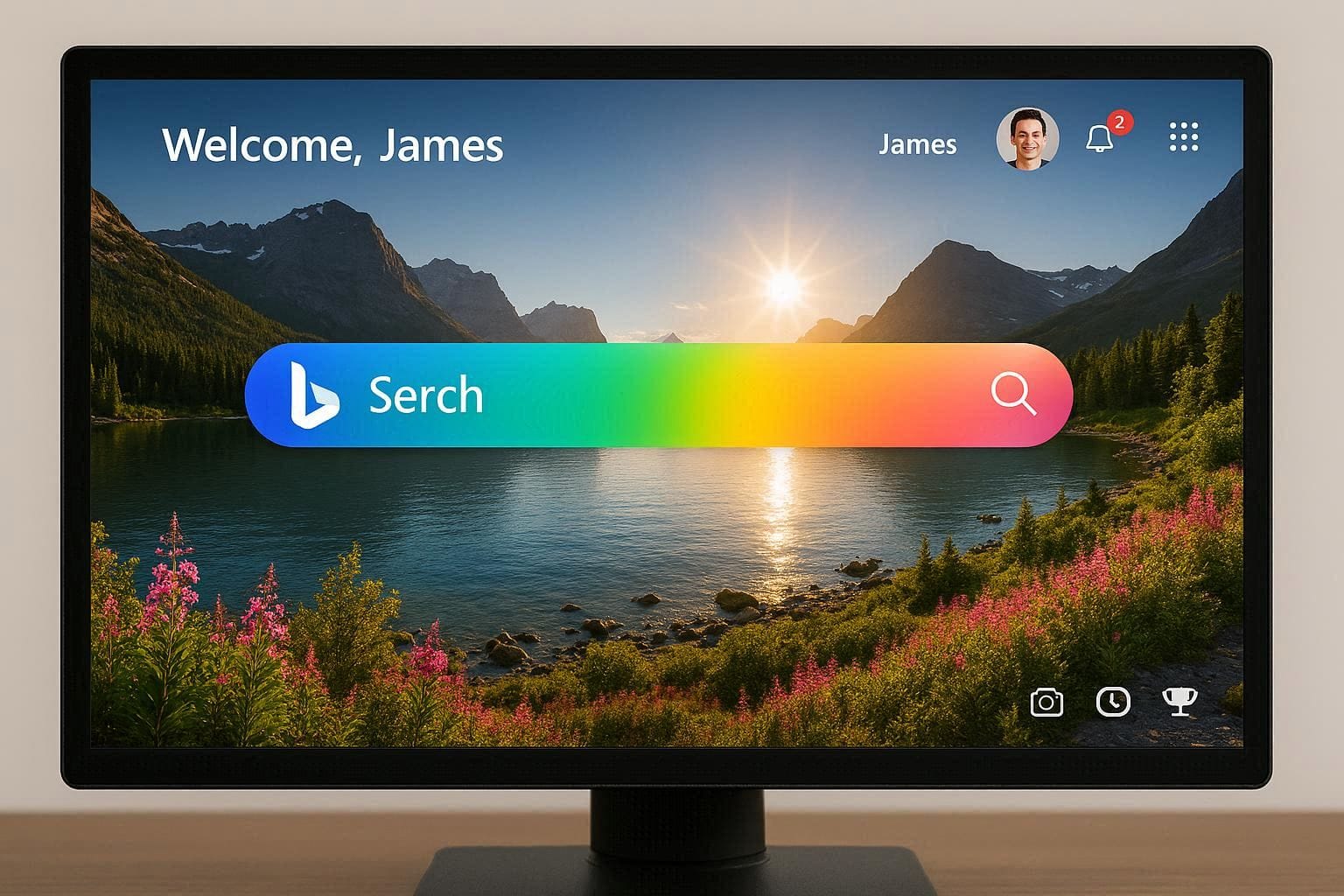
Think of the Bing homepage as a dynamic dashboard. Beyond the search bar, it offers news, weather, and interactive elements. The Daily Quiz is one of these elements—a short, usually 3-question multiple-choice test linked to the “Daily Story” behind the homepage’s featured image.
The Format: Typically, the quiz presents a brief article or caption about the day’s image (e.g., a historical landmark, a scientific concept, an animal species). You click “Take Quiz,” and answer a series of questions directly based on that reading. The questions are designed to be answerable by carefully reading the provided text.
The Purpose: For Microsoft, it encourages engagement with their search engine and services. For you, it’s a quick and reliable source of Microsoft Rewards points. Each successfully completed quiz nets you a fixed number of points, contributing to your daily and monthly earning goals.
The Connection to Microsoft Rewards: This quiz is not a standalone game. Points earned here feed directly into your Microsoft Rewards account, which is linked to your Microsoft Account (the same one you might use for Windows, Xbox, or Outlook). Accumulated points can be redeemed in the Rewards dashboard for a wide array of prizes.
Finding and Mastering the Daily Quiz: A Step-by-Step Walkthrough
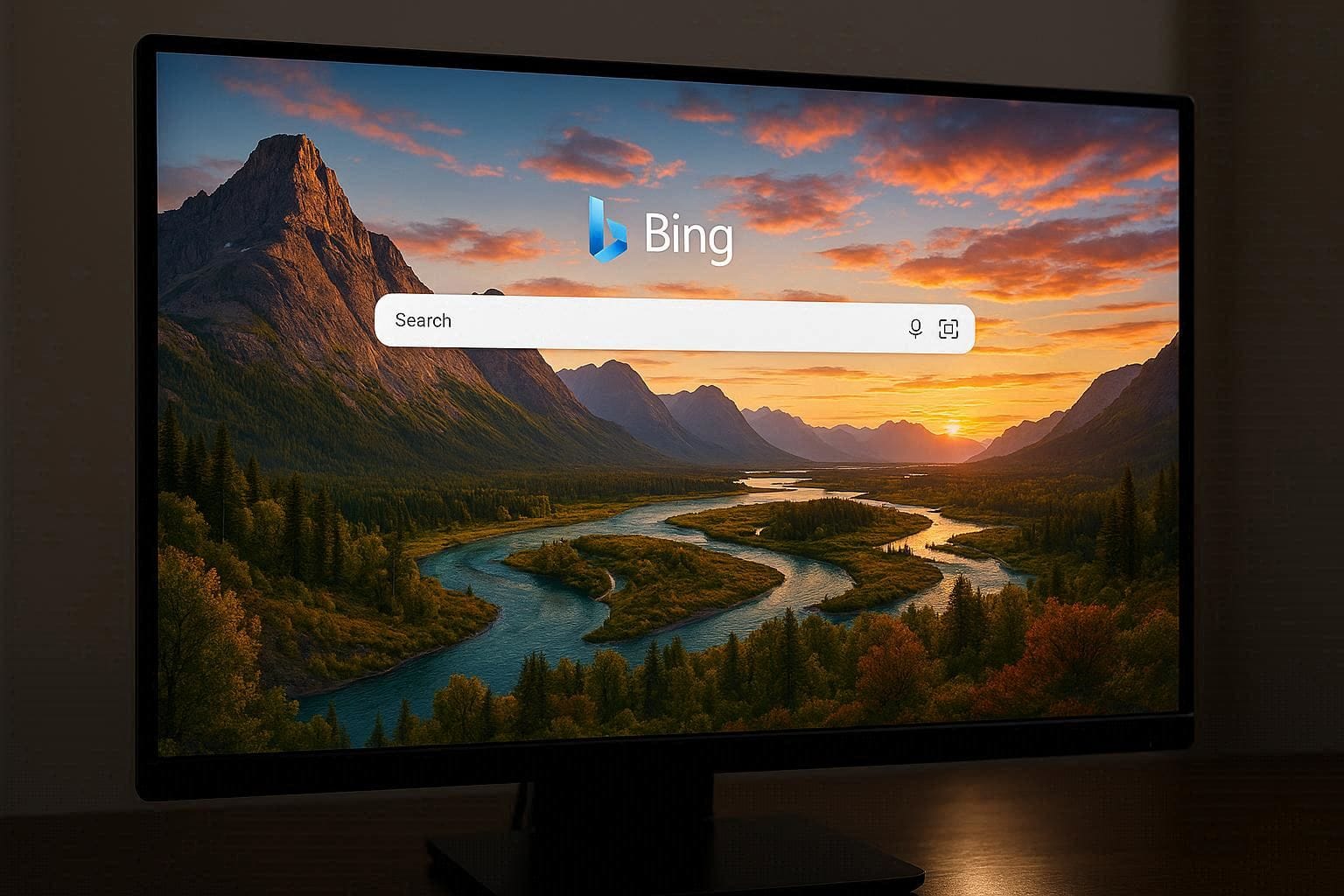
The quiz can be elusive if you don’t know where to look, as its placement isn’t always identical for every user. Follow this action plan.
Step 1: Accessing the Quiz
Navigate to the Source: Open your web browser and go directly to
www.bing.com. It’s crucial to visit the homepage itself, not perform a search.Locate the Interactive Card: Look at the informational overlay or “card” related to the day’s background image. This is usually in the lower-left or bottom-center of the screen on desktop, or by tapping the image on mobile.
Identify the Prompt: Within this card, you should see a clickable link that says “Take quiz” or “Daily quiz”. On some days, a “Daily poll” (a single, non-research question) may appear instead. Both award points.
Step 2: Answering Questions Correctly
The golden rule is: The answers are in the text.
Read First, Click Second: Before starting the quiz, read the entire accompanying “Daily Story” or image description thoroughly.
Start the Quiz: Click the “Take Quiz” button. The first question will appear.
Refer Back: Keep the story text open in a separate tab or window. For each question, refer back to the specific part of the text that contains the answer. Do not guess based on general knowledge.
Proceed and Collect: After selecting your answer (usually by clicking on a phrase), click “Next” to continue. After the final question (often 3), you will see a confirmation and be awarded your points (e.g., “+30 points”).
💡 Pro-Tip from Experience: If you accidentally close the story text, you can often find it again by clicking on the main homepage image or searching the key terms shown in the quiz question directly on Bing.
Maximizing Your Earnings: The Bigger Picture of Microsoft Rewards
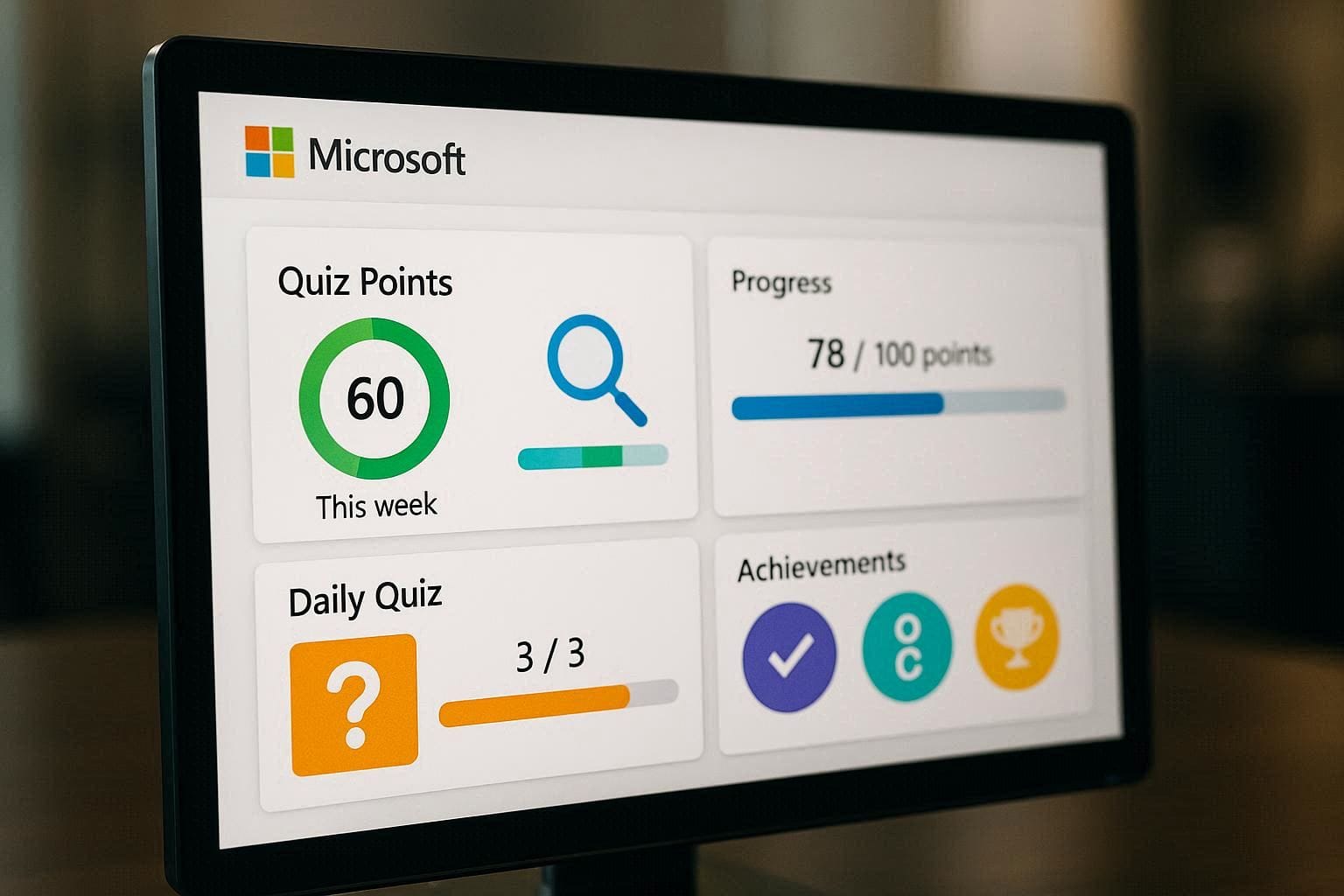
The Daily Quiz is your reliable daily bonus, but true point accumulation comes from a holistic approach. Here’s how the quiz fits into the larger rewards strategy:
Daily Point Breakdown:
Bing Searches: You can earn up to 150-270 points per day simply by searching with Bing on desktop and mobile (counts separately).
Daily Quiz/Poll: Typically awards 30-50 points.
Additional Activities: The “More Activities” section on the Microsoft Rewards dashboard offers extra points for reading news articles, completing a daily “streak,” or answering trivia in the “Play” section.
The Power of Consistency: Microsoft Rewards heavily incentivizes daily engagement. Maintaining a daily streak by earning points every day unlocks bonus points. The Daily Quiz is one of the easiest tasks to complete to keep that streak alive.
Weekly & Monthly Goals: The dashboard sets weekly and monthly point-earning goals. The predictable points from the daily quiz make planning to hit these benchmarks much easier.
Troubleshooting Common Quiz Problems
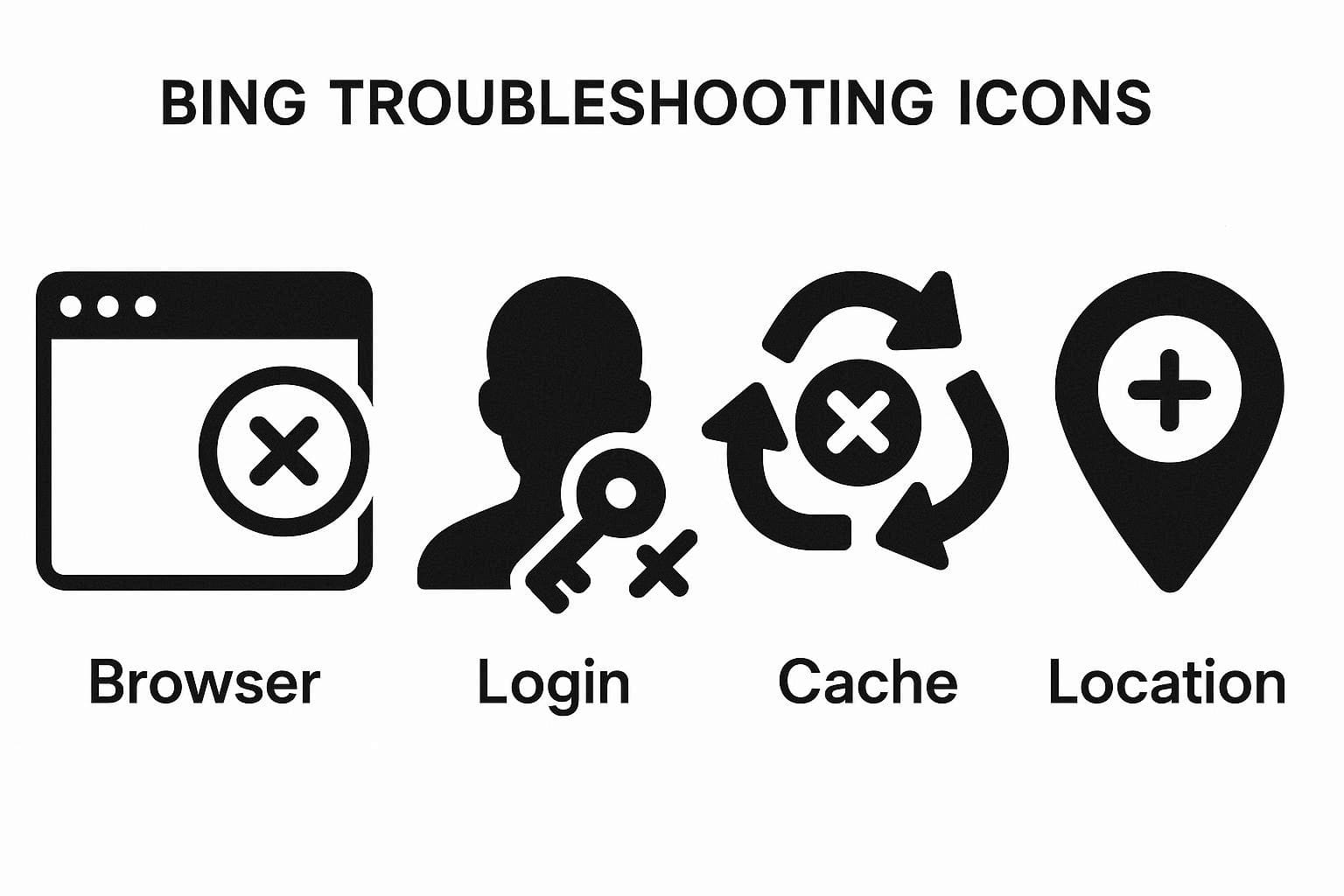
Even a simple system can have hiccups. Here’s how to solve common issues:
The Quiz Link is Not Showing: This is the most common issue. Solutions: 1) Ensure you are signed into your Microsoft Account on Bing.com (check the top-right corner). 2) Try refreshing the page. 3) Use a different browser or switch between desktop and mobile view. 4) Clear your browser cache and cookies for Bing.com.
Points Didn’t Credit: Points are usually added instantly. If they don’t appear, wait a few minutes and refresh your Microsoft Rewards dashboard. If they still don’t show, ensure you completed all quiz questions and saw the final confirmation screen.
“This or That” or Special Quizzes: Occasionally, you’ll encounter a special quiz like “This or That,” which asks you to choose between two similar items. The strategy is the same: search for both terms on Bing (e.g., “What is the wingspan of a Bald Eagle vs. a Harpy Eagle?”) to find the differentiating fact that lets you answer correctly.
⚠️ Important Warning: Play Fair.
Never use automated bots, scripts, or “search macro” programs to try to earn points. Microsoft actively monitors for this activity and will permanently ban accounts that violate their terms of service, forfeiting all earned points. The system is designed for genuine, human engagement.
Conclusion: From Curiosity to Reward
The Bing Homepage Daily Quiz transforms a moment of curiosity into a building block for tangible rewards. By spending just a minute or two each day to read and answer questions, you are steadily building a points balance that can translate into software subscriptions, gaming currency, or gift cards for popular retailers.
The key is consistency. Integrate it into your morning routine: have your coffee, visit the breathtaking Bing homepage, soak in a bit of knowledge from the Daily Story, and secure your points. Combined with regular Bing searches, this micro-habit can lead to macro rewards over time. Start today—your next search could be the one that earns you a free movie or a new game.
Disclaimer: Microsoft frequently tests and updates the layout of the Bing homepage and the structure of the Rewards program. Point values, quiz availability, and redemption options are subject to change by Microsoft. Always refer to the official Microsoft Rewards dashboard for the most current terms and information.