The Bing Homepage Quiz is one of the most engaging daily features on Bing, combining fun trivia with Microsoft Rewards points. Yet, most guides only explain what it is — they don’t answer the questions users actually search for.
This article fills all major content gaps:
- ✔ how it works
- ✔ where to find it
- ✔ answers & patterns
- ✔ rewards strategy
- ✔ troubleshooting
- ✔ regional availability
1. What Is the Bing Homepage Quiz?
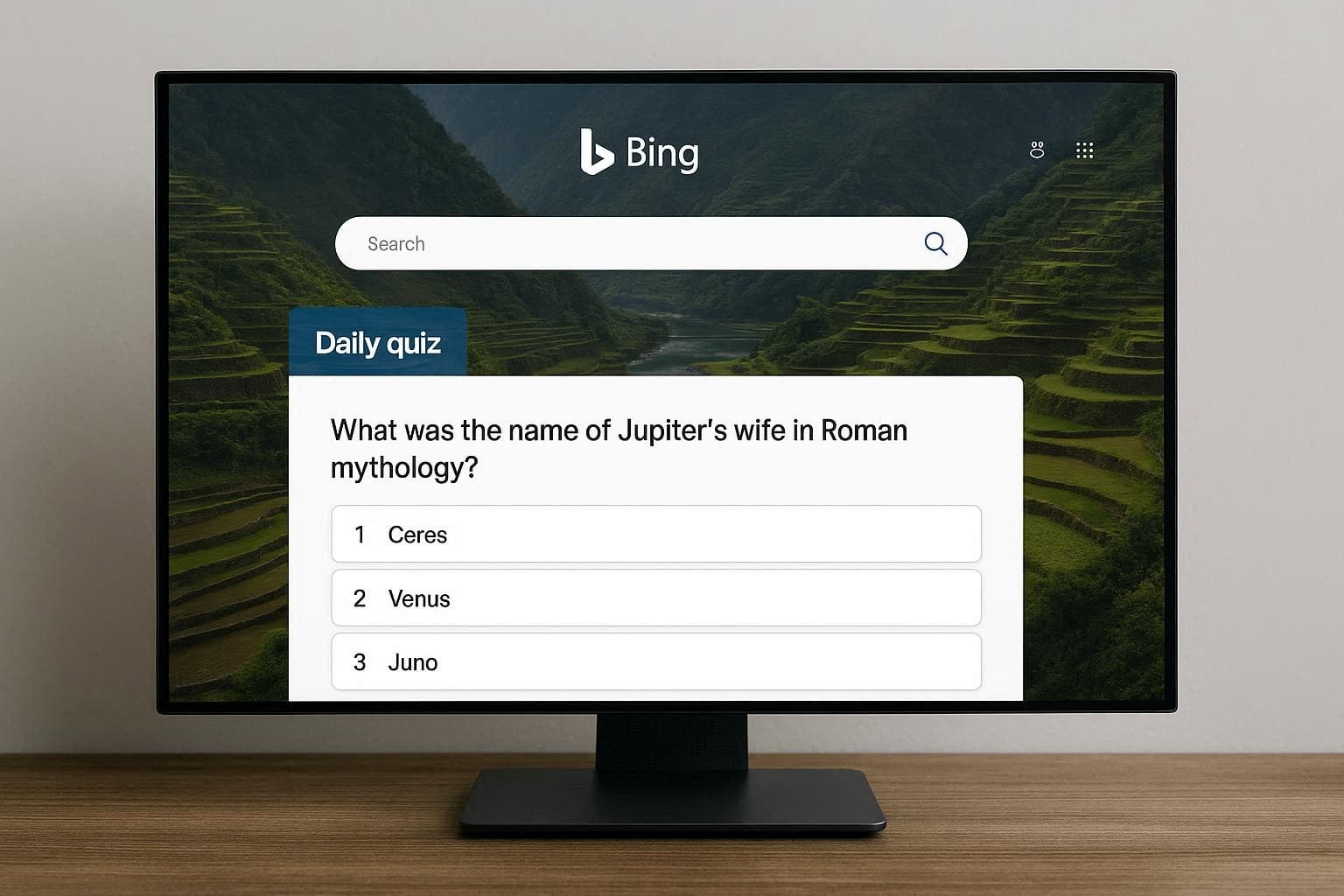
The Bing Homepage Quiz is a daily interactive quiz that appears directly on the Bing homepage.
It is usually linked to the background image of the day or a trending topic.
Key Features
Appears once per day
Usually 3–5 multiple-choice questions
Image-based and general knowledge
Integrated with Microsoft Rewards
Free to play
The quiz is designed to increase user engagement while encouraging users to explore the daily Bing image and related facts.
2. How to Find the Bing Homepage Quiz
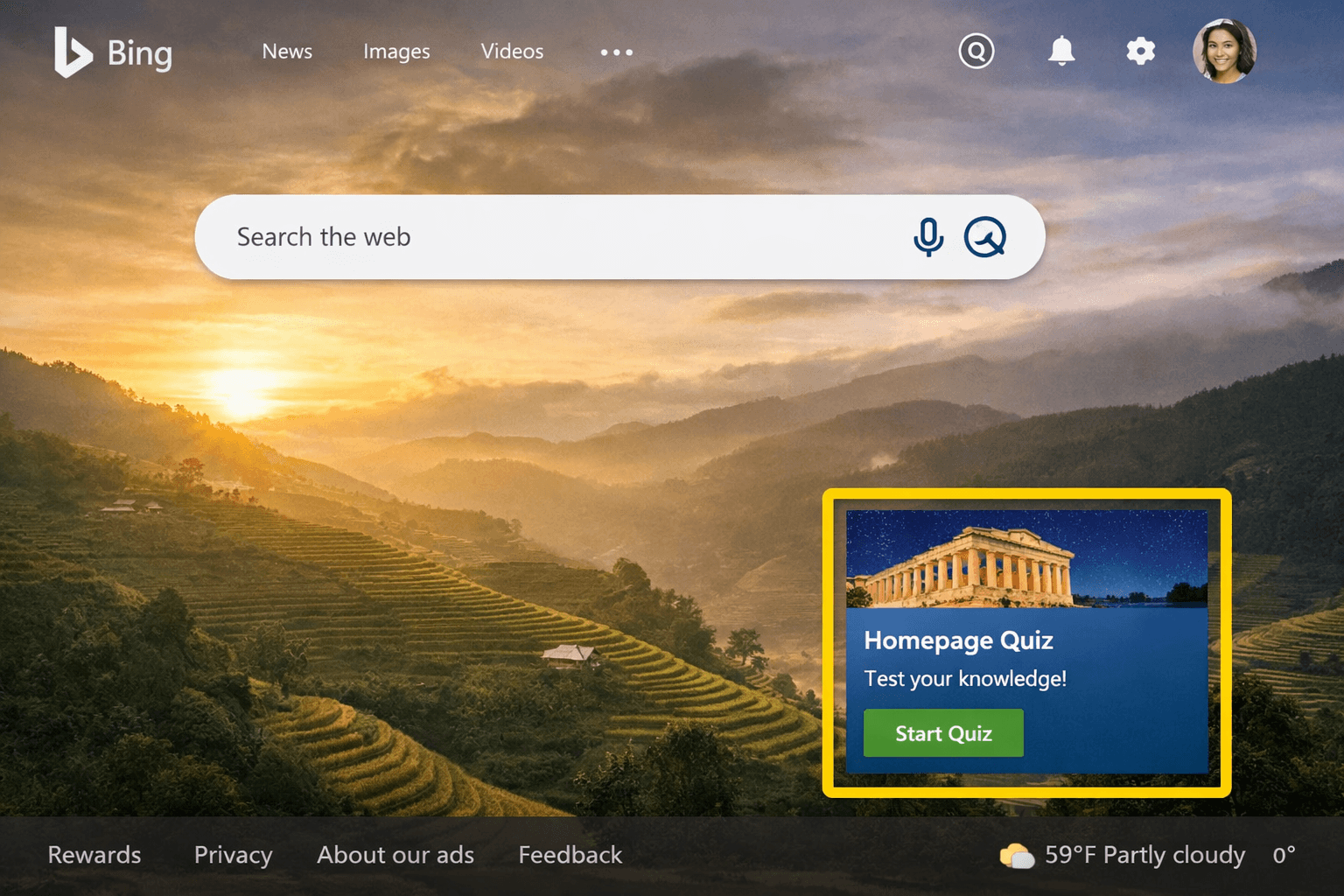
Many users fail to find the quiz because it does not appear as a normal page.
Step-by-Step:
Go to Bing.com
Make sure you are signed in to your Microsoft account
Look at the homepage background image
Hover or tap on the small “Q” icon or quiz prompt
Click to start the quiz
📌 On mobile, the quiz may appear as a tap-able icon on the image.
💡 Tip: If you already completed it today, the quiz icon may disappear.
3. Bing Homepage Quiz Answers
There is no official answer page provided by Microsoft.
Important Facts
Questions change daily
Answers depend on the homepage image
Old answers do not repeat reliably
Many “answer sites” publish guesses, not official data
Smart Alternative to “Answer Copying”
Instead of chasing answers:
Focus on image clues
Read the short image description
Choose answers tied to widely known facts
Eliminate extreme or unlikely options
📊 Observation: Bing almost always favors popular, well-known facts, not obscure trivia.
4. Bing Homepage Quiz Question Patterns
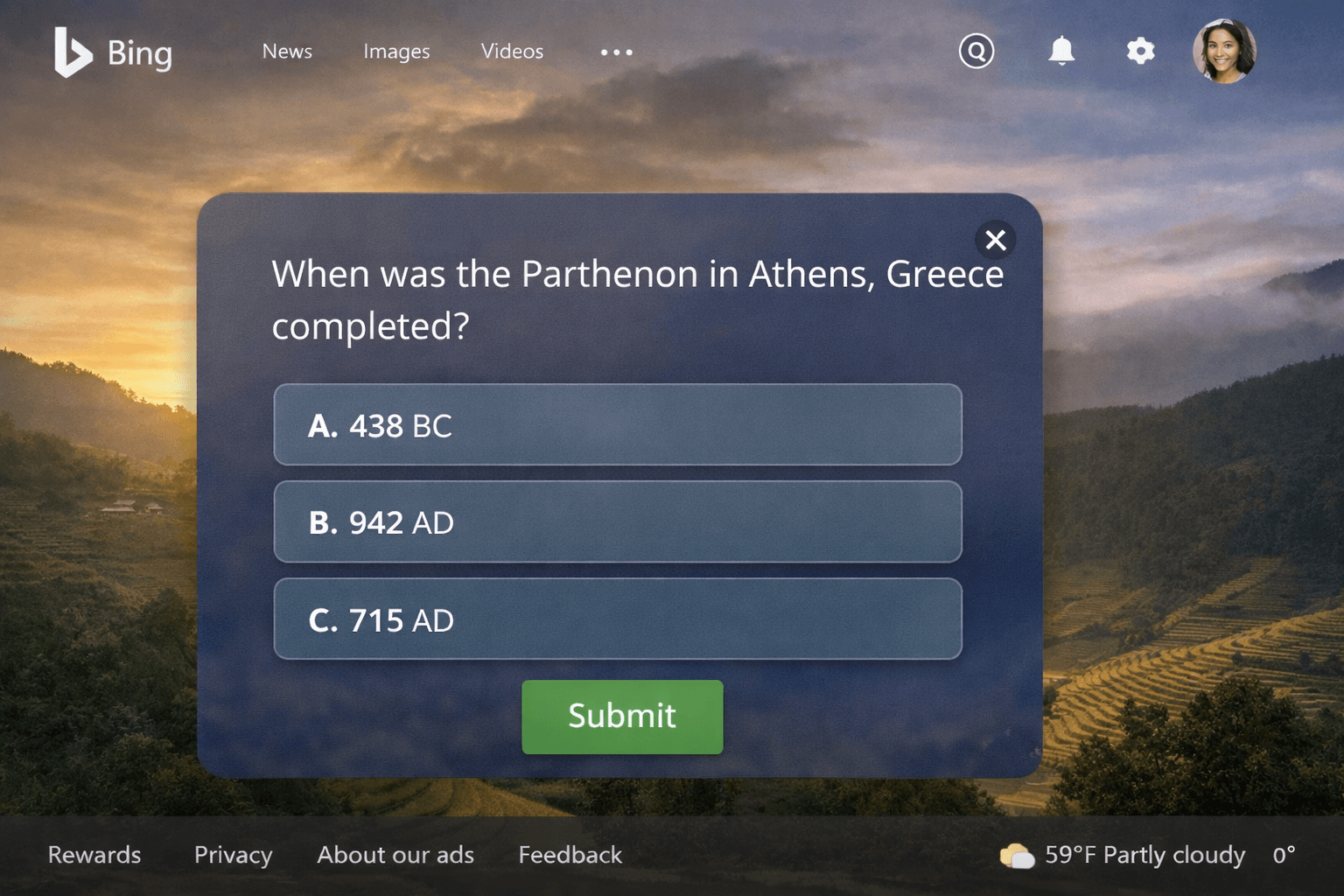
Understanding patterns gives better results than memorizing answers.
Common Question Types
Landmark or location identification
Historical facts related to the image
Nature & geography
Cultural or national symbols
Simple logic questions
What Rarely Appears
Very technical data
Exact dates
Deep academic trivia
💡 Strategy: If one option is globally recognizable, it is usually correct.
5. Microsoft Rewards Points: How the Homepage Quiz Helps
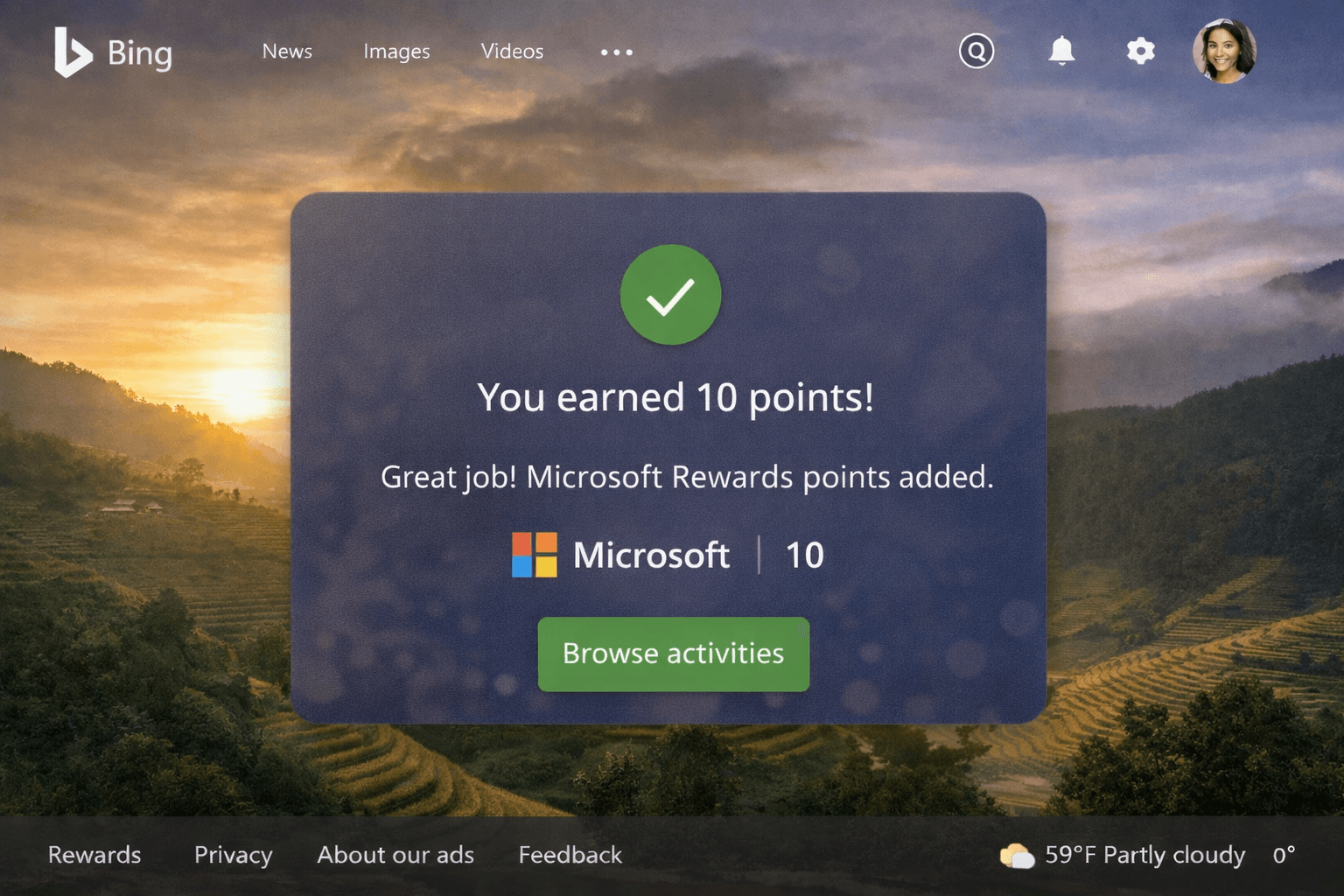
The Bing Homepage Quiz contributes to Microsoft Rewards when:
You are logged in
Rewards are available in your region
You complete the quiz normally
Rewards Insights
Points are usually awarded for completion
Wrong answers typically do not reduce points
Quiz supports daily streaks
Works best when combined with:
Daily searches
Daily poll
News quiz
📌 Best practice: Treat the homepage quiz as part of your daily Rewards routine.
6. Bing Homepage Quiz Not Showing? (Complete Troubleshooting)
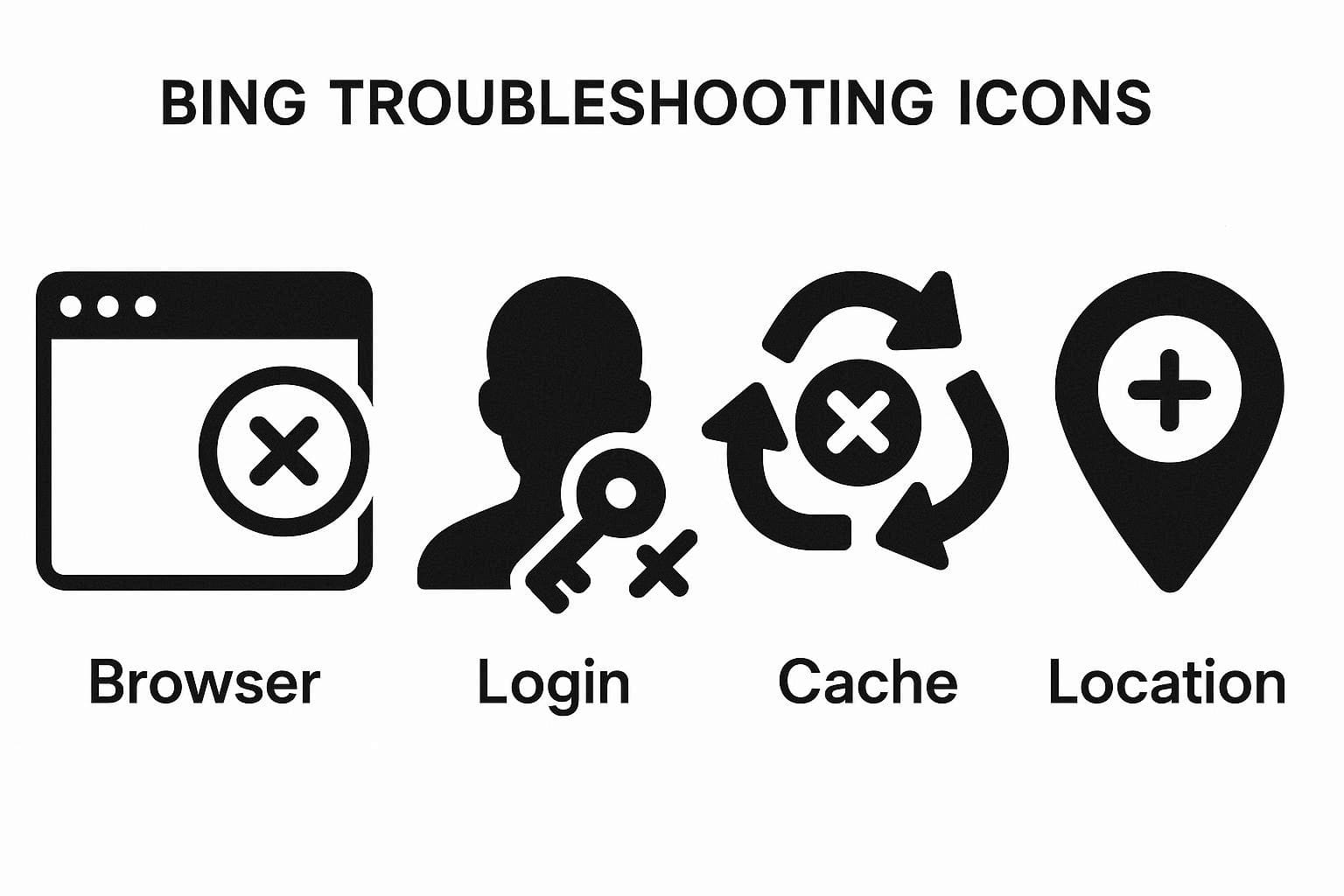
This is one of the biggest search gaps.
Common Reasons
Not logged in
Rewards not supported in your region
Quiz already completed
Browser cache issues
Mobile layout limitations
Proven Fixes
Refresh Bing homepage
Log out and log back in
Clear browser cache
Try Microsoft Edge
Switch from mobile to desktop
Check Microsoft Rewards dashboard
⚠️ Avoid VPN usage — it may hide the quiz entirely.
7. Bing Homepage Quiz Region Availability
The quiz is not equally visible worldwide.
Key Points
Strongest support in Rewards-enabled regions
Some countries see the quiz less frequently
Appearance may vary by language and locale
📌 Tip: Even if Rewards exist in your region, the quiz may rotate with other homepage features.
8. Bing Homepage Quiz vs Other Bing Quizzes
| Quiz Type | Frequency | Rewards |
|---|---|---|
| Homepage Quiz | Daily | Yes |
| Bing News Quiz | Weekly | Yes |
| Daily Poll | Daily | Yes |
| This or That | Weekly | Yes |
The Homepage Quiz is the fastest quiz with the least effort per day.
9. FAQs (High-Ranking SEO Section)
Is the Bing Homepage Quiz free?
Yes, completely free.
Can I replay the quiz?
No, only once per day.
Do wrong answers affect points?
Usually no.
Does it work on mobile?
Yes, but desktop shows it more consistently.
Why did I not get points?
Points may take time or may not be available in your region.
Beginners Guide:
The Bing Homepage Quiz is simple, fast, and rewarding — yet poorly explained across the web. Most sites only describe it, while users want answers, fixes, and strategies.