What Is Microsoft Rewards?
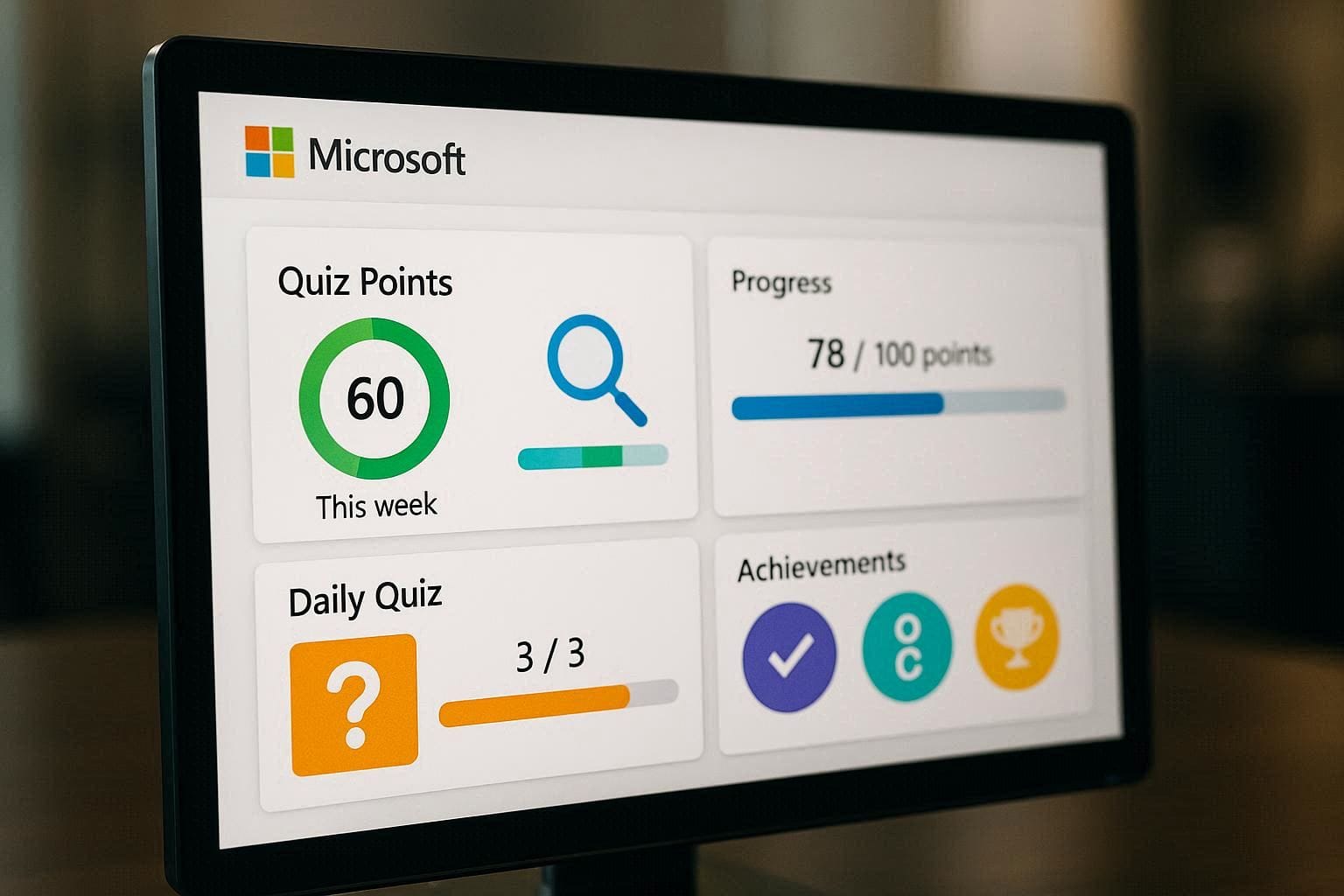
Microsoft Rewards is a free loyalty program by Microsoft. You earn points by:
Searching with Bing
Completing daily quizzes & activities
Shopping on Microsoft Store
Playing Xbox games (optional)
These points can be redeemed for gift cards, subscriptions, sweepstakes, and donations.
Step 1: Create or Sign In to a Microsoft Account
Go to rewards.microsoft.com
Click Sign In
Log in using:
Outlook / Hotmail email
OR create a new Microsoft account
✅ One account = one Rewards profile (important for safety)
Step 2: Join Microsoft Rewards
After signing in, click Join Now
Accept the Microsoft Rewards terms
Your Rewards dashboard will open
🎉 You’re officially enrolled
Step 3: Set Bing as Your Default Search Engine (Optional but Recommended)
To earn points faster:
Use Microsoft Edge browser
Set Bing as your default search engine
Sign in to Edge using the same Microsoft account
🔹 You still earn points even if you don’t change defaults, but it helps.
Step 4: Earn Points Daily (Main Methods)
Method 1: Bing Searches
Search anything on Bing
Points are awarded automatically
Daily limit applies
Examples:
News
Sports
Technology
Trending topics
Method 2: Daily Set (Most Important)
On the Rewards dashboard:
Open Daily Set
Complete:
1 short quiz
1 poll
1 click activity
✅ Completing Daily Sets gives bonus streak points
Method 3: Bing Homepage Quiz
Open bing.com
Click the quiz card on the homepage
Answer questions (usually multiple-choice)
💡 Answers are often highlighted—very easy points.
Method 4: Extra Activities & Punch Cards
Weekly challenges
Monthly punch cards
Microsoft Store offers
These give high bonus points.
Step 5: Track Your Points
On the Rewards dashboard you can see:
Total points
Daily limits
Streak status
Available rewards
⚠️ Don’t use VPNs or multiple accounts—this can cause account suspension.
Step 6: Redeem Microsoft Rewards Points
Go to Redeem section
Choose a reward:
Gift cards (Amazon, Xbox, etc.)
Microsoft Store credit
Subscriptions
Sweepstakes entries
Confirm redemption
🎁 Rewards are usually delivered instantly or within 24 hours.
Step 7: Maintain a Safe & Active Account
To avoid problems:
Use real searches
Don’t automate clicks
Don’t use bots or VPNs
Keep one account per person
✔️ Natural activity = long-term rewards success
Common Questions (Quick Answers)
Is Microsoft Rewards free?
Yes, 100% free.
Can I earn points on mobile?
Yes, via mobile Bing searches and Edge browser.
Do points expire?
Yes, if your account becomes inactive for a long time.
Is Microsoft Rewards available worldwide?
Available in many countries, but rewards may vary.
Pro Tip for Faster Points
Complete Daily Set every day
Do Bing searches gradually
Check dashboard twice daily
Maintain streaks for bonus points