The Sedhr Punjab HRMS portal is mandatory for government school teachers in Punjab, but it’s also one of the least-documented systems online. Most teachers face errors without clear guidance on what to do next.
This ultimate Sedhr Punjab help hub explains every major error, why it happens, and the exact solution, all in one place.
👉 If you’re facing any Sedhr issue — login, leave, transfer, profile, retirement, or salary — this page is your solution.
What Is Sedhr Punjab?
Sedhr Punjab (School Education Department Human Resource Management System) is used to manage:
Teacher profiles
Leave applications
Transfers & postings
Promotions
Retirement & pension cases
Service records
Sedhr works alongside:
SIS (School Information System)
District Education Offices
Accountant General Punjab
📌 Sedhr displays data; SIS controls data.
🔐 Sedhr Punjab Login Errors & Fixes
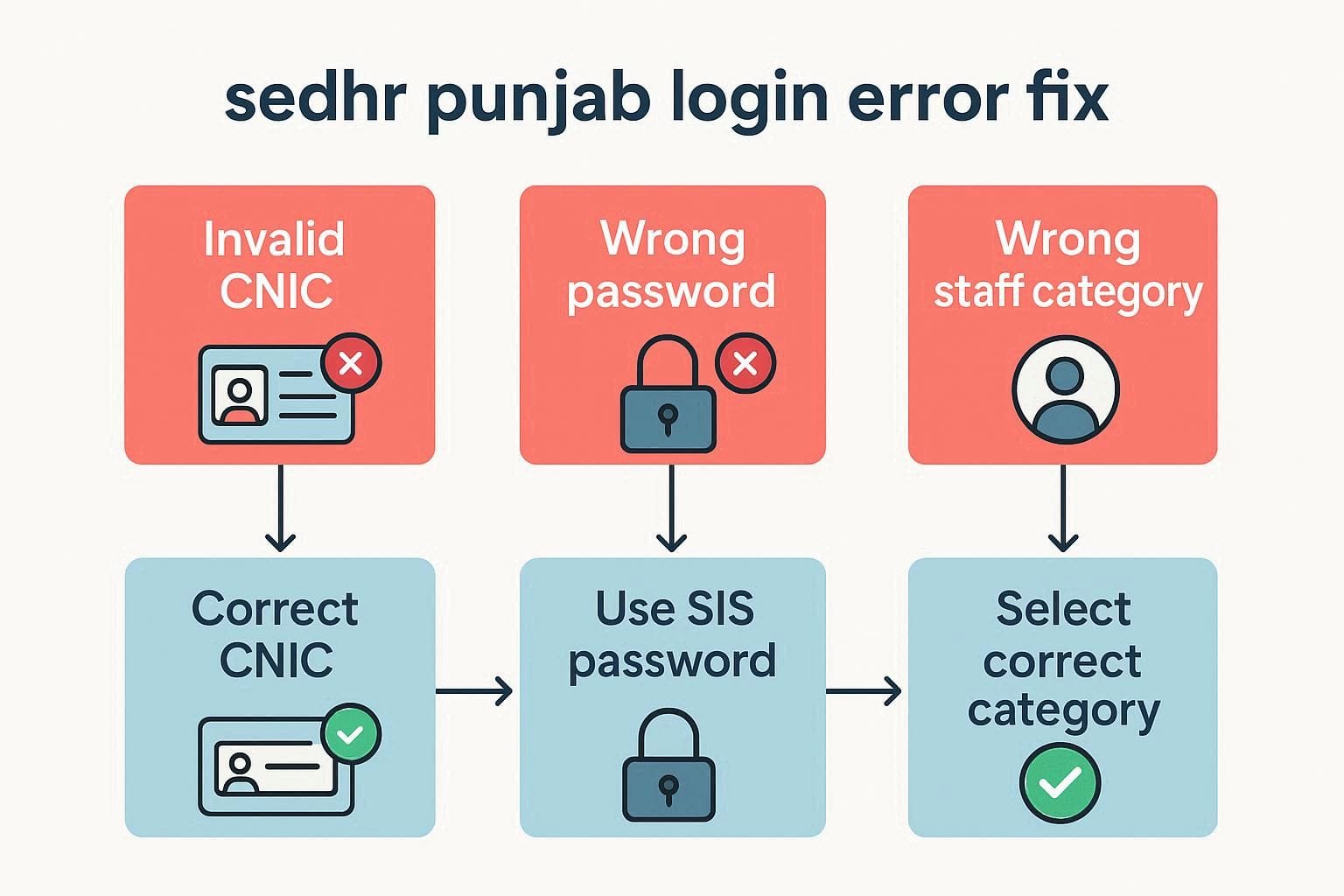
❌ CNIC Invalid / Login Failed
Cause: Wrong CNIC format, wrong staff category
Fix: Enter 13-digit CNIC (no dashes) + correct category
❌ Password Incorrect
Cause: Using wrong password
Fix: Use SIS password only
❌ No Forgot Password Option
Cause: System limitation
Fix: Contact school head or SIS admin
👉 Full guide: Sedhr Punjab Login Not Working
📅 Sedhr Punjab Leave Errors & Solutions
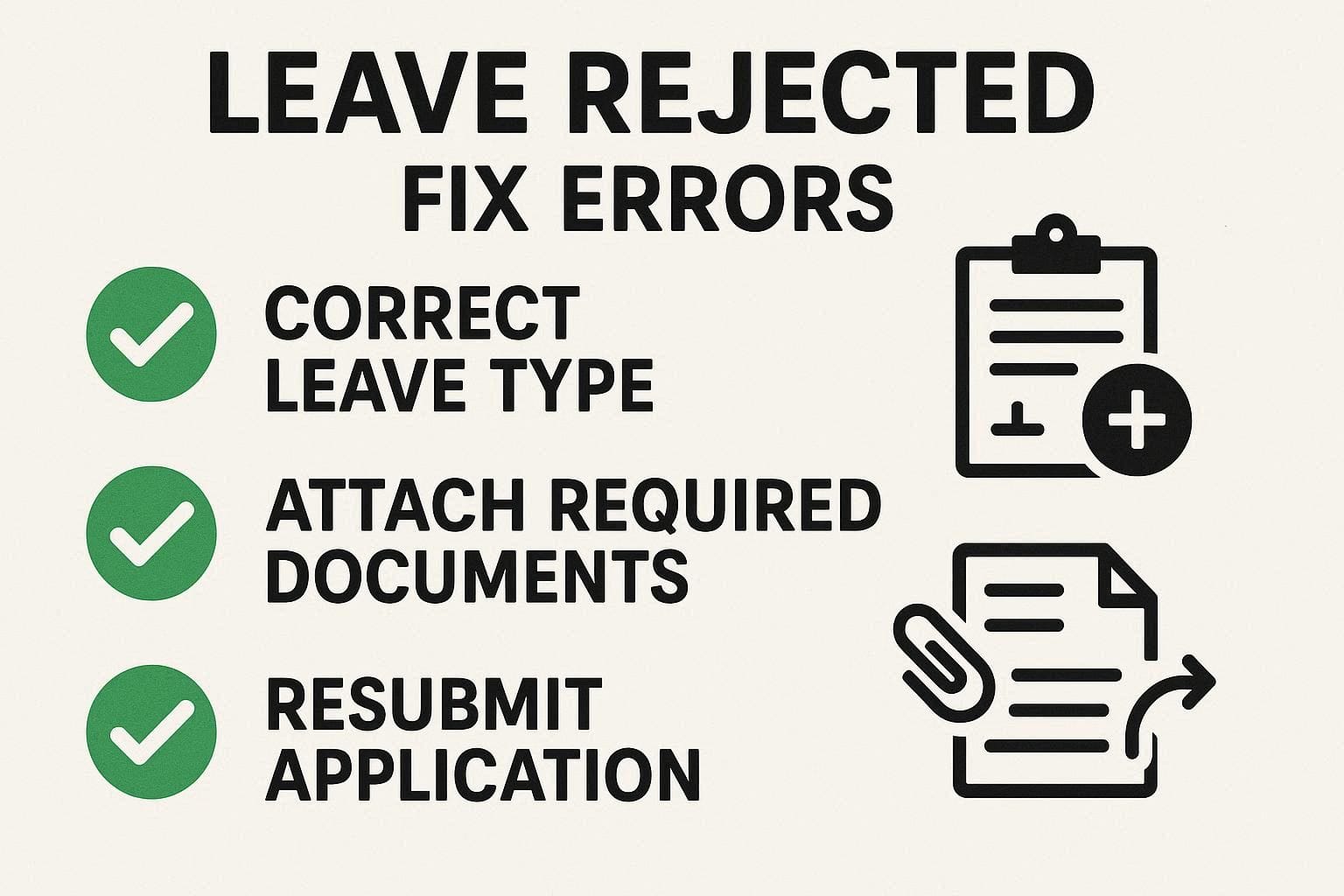
❌ Leave Rejected
Common Causes:
Wrong leave type
Missing documents
Leave limit exceeded
Fix:
Read rejection remarks
Correct mistake
Apply again
❌ Leave Pending for Long Time
Cause: Head not reviewed or posting mismatch
Fix: Confirm current school in SIS
👉 Full guide: How to Apply Leave on Sedhr Punjab
🔄 Sedhr Punjab Transfer & Posting Issues
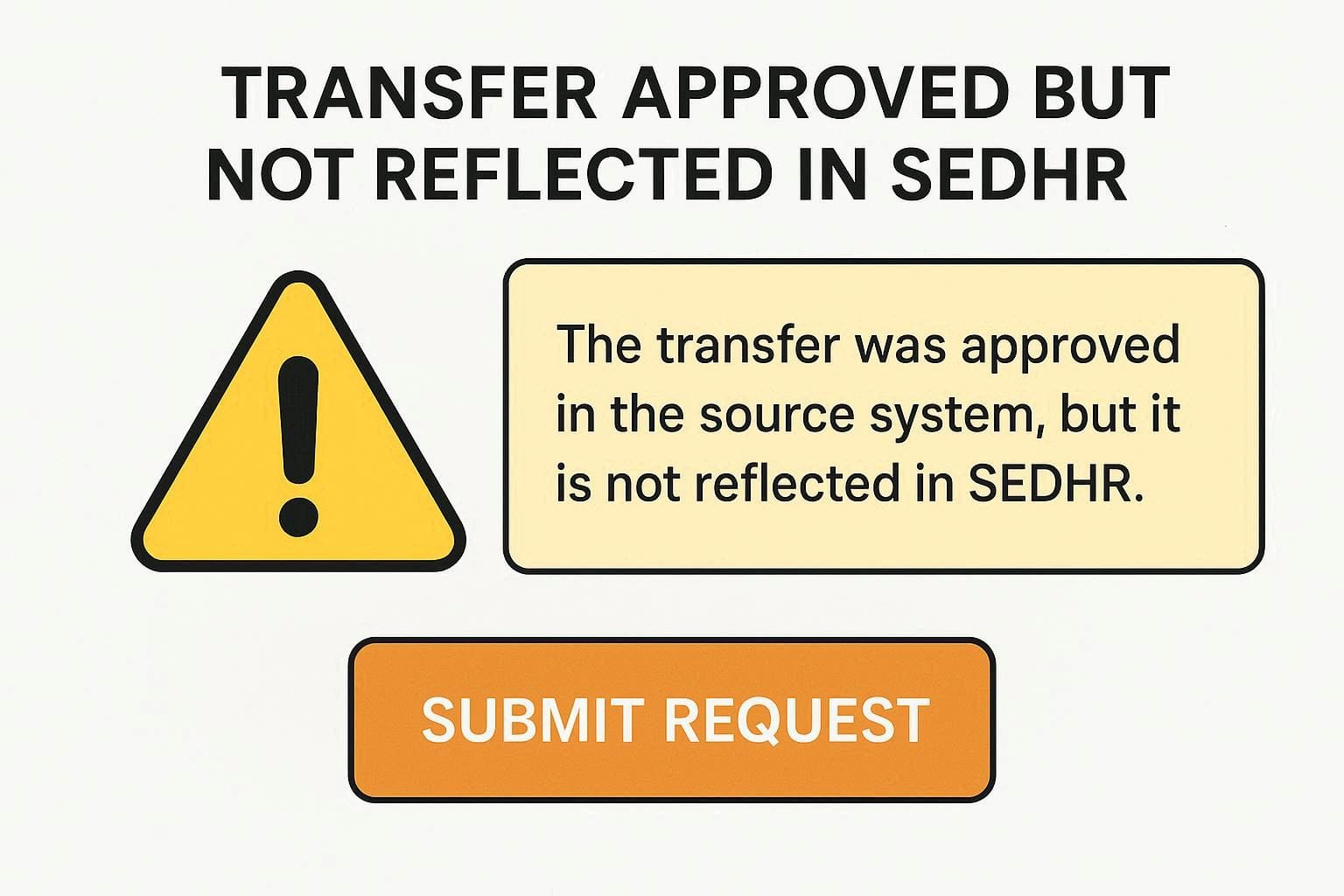
❌ Transfer Approved but Not Reflected
Cause: SIS not updated or old school not relieved
Fix: Ensure relieving + joining entered in SIS
❌ Mutual Transfer Not Showing
Cause: One profile incomplete
Fix: Verify both teachers’ SIS data
👉 Full guide: Sedhr Punjab Transfer Status Check
👤 Sedhr Punjab Profile Correction Problems
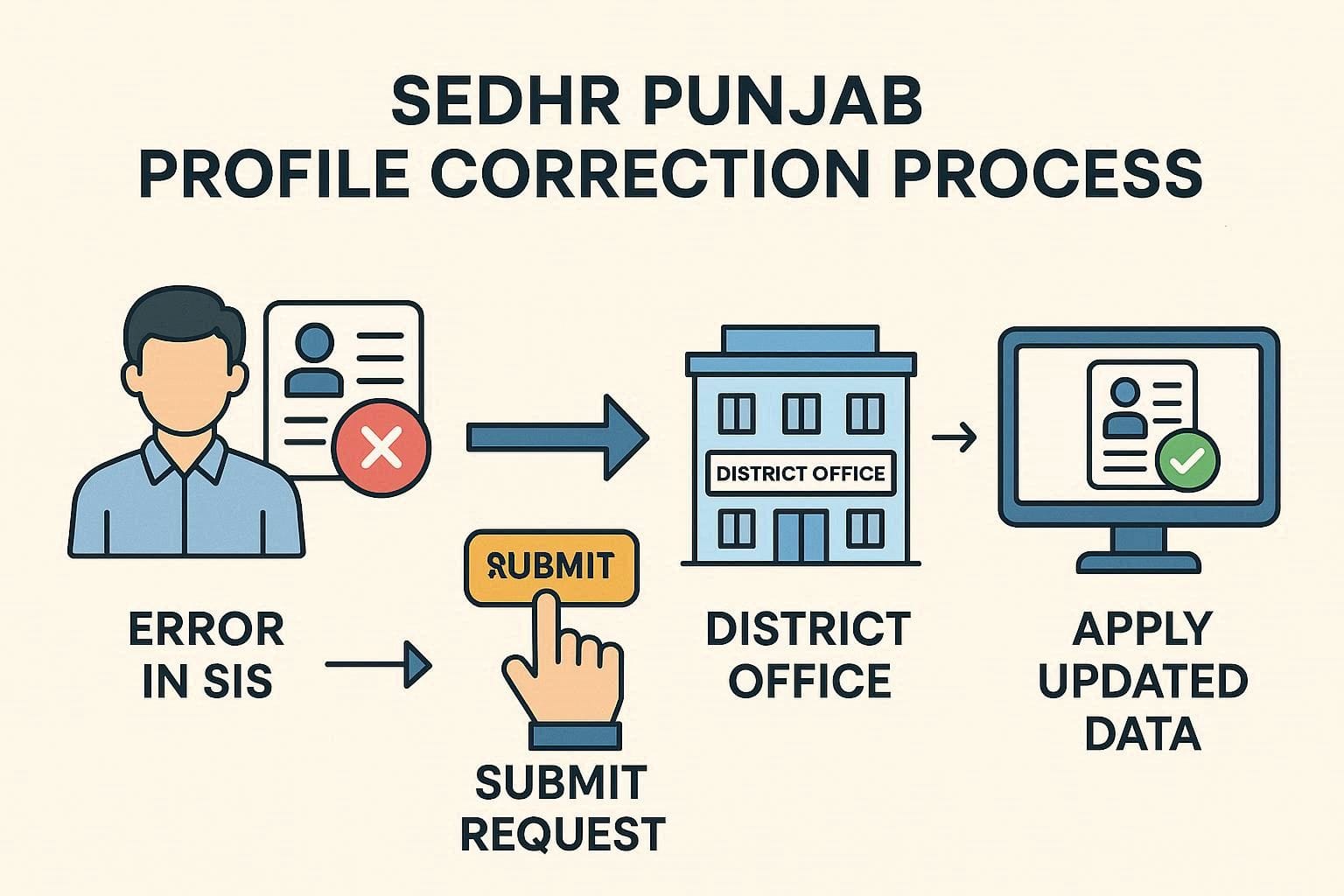
❌ Wrong Name / CNIC / DOB
Cause: Incorrect SIS data
Fix: Submit correction request with documents
❌ Promotion Not Updated
Cause: Designation not changed in SIS
Fix: Upload promotion notification via district office
📌 Teachers cannot edit profiles themselves.
👉 Full guide: Sedhr Punjab Profile Correction
🎓 Sedhr Punjab Promotion Issues
❌ Promotion Order Issued but Not Showing
Cause: SIS pending update
Fix: District admin must update designation
❌ New Scale Not Visible
Cause: Incomplete approval stage
Fix: Follow up with DEO office
💰 Sedhr Punjab Salary & Service Record Issues

❌ Salary Stopped After Transfer
Cause: Posting mismatch
Fix: Verify active school in SIS
❌ Service Length Incorrect
Cause: Missing posting or promotion
Fix: Complete service record correction
📌 Service record accuracy affects salary, promotion, and retirement.
🧓 Sedhr Punjab Retirement Errors & Fixes
❌ Retirement Case Not Started
Cause: Retirement flag not activated
Fix: Contact district office
❌ Wrong Retirement Date
Cause: Incorrect DOB
Fix: DOB correction with official documents
❌ Pension Delayed
Cause: Incomplete Sedhr data
Fix: Verify profile + service book early
👉 Full guide: Sedhr Punjab Retirement Process
⏳ How Long Does Sedhr Take to Update?
| Update Type | Time |
|---|---|
| Login / access | Immediate |
| Leave approval | 1–3 days |
| Transfer update | 2–5 days |
| Profile correction | 1–7 days |
| Retirement processing | Months |
📌 Delays increase during mass transfers or promotions.
🏢 Who Can Fix Sedhr Problems?
| Issue Type | Authority |
|---|---|
| Password reset | SIS Admin |
| Profile correction | District Office |
| Transfer update | DEO / AEO |
| Retirement | District + AG Office |
❌ Teachers cannot self-fix system data.
❗ Important Rules Every Teacher Must Know
Sedhr uses SIS data
No self-edit option
Password = SIS password
Profile errors block everything
Early correction saves months
Frequently Asked Questions (FAQ)
Q1: Is Sedhr mandatory for teachers?
Yes, 100%.
Q2: Can I bypass Sedhr?
No.
Q3: Why does Sedhr show old data?
SIS not updated or sync delay.
Q4: Is Sedhr available 24/7?
Mostly yes, except during maintenance.
Final Words (Very Important)
Most Sedhr Punjab problems are not system bugs — they are:
Data errors
Approval delays
Lack of guidance
This hub page exists because official instructions are missing online.
📌 Bookmark this page. Share it with colleagues.
It solves 90% of Sedhr issues without repeated office visits.