If your Sedhr Punjab login is not working, you are not alone. Thousands of teachers in Punjab face login errors daily while accessing the SEDHR HRMS portal for leave, retirement, or profile updates.
This guide explains why Sedhr Punjab login fails, what each error means, and step-by-step solutions that actually work.
What Is Sedhr Punjab Login?
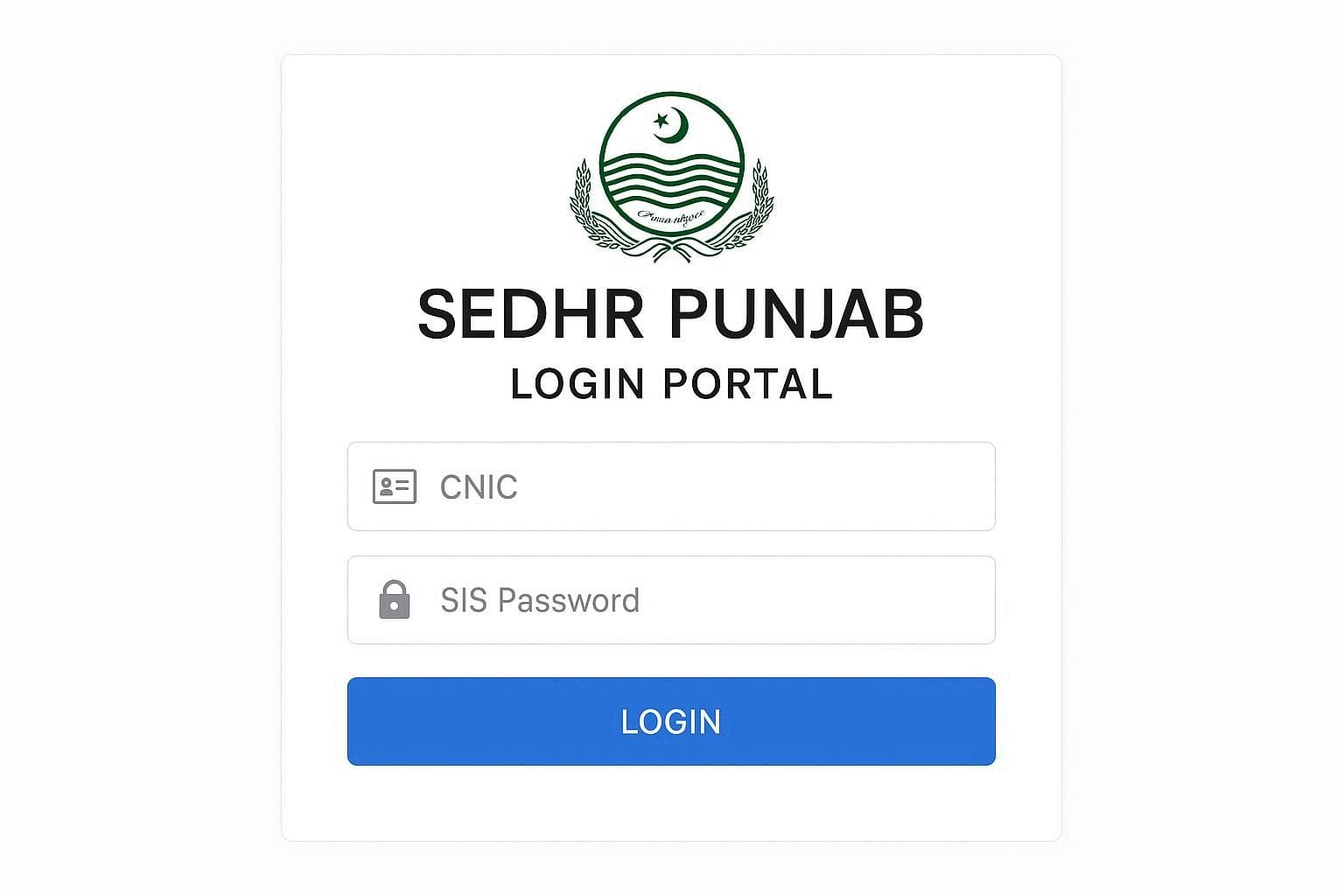
Sedhr Punjab (School Education Department Human Resource Management System) is an online portal used by Punjab government teachers for:
Applying leave
Viewing service record
Retirement cases
HR data management
You log in using:
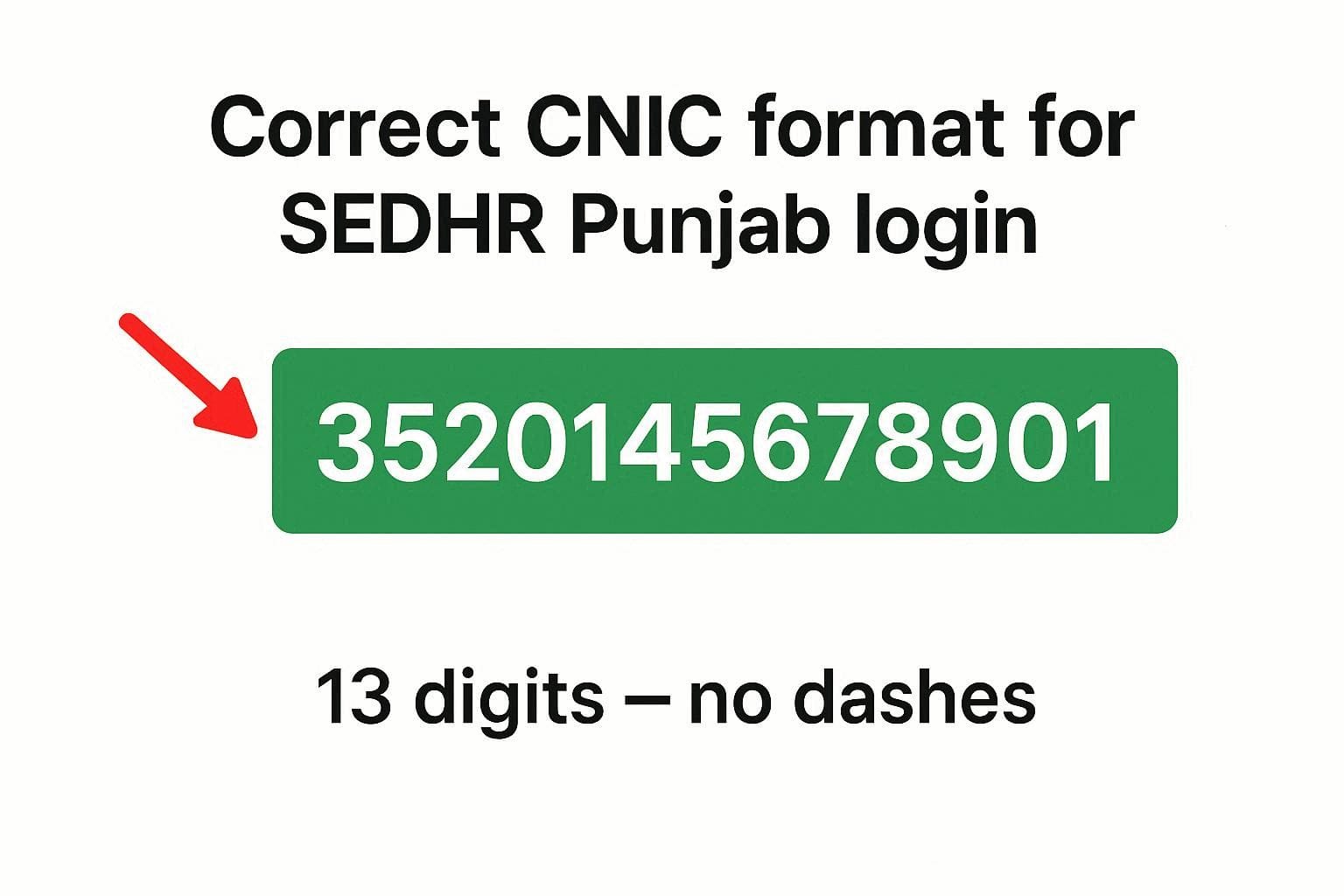
CNIC (13 digits, without dashes)
Same password as SIS (School Information System)
Common Sedhr Punjab Login Problems (Most Reported)
Before fixing, identify your exact issue:
❌ CNIC invalid error
❌ Password incorrect
❌ Page not loading / blank screen
❌ Login works on SIS but not on Sedhr
❌ Account locked
❌ No “Forgot Password” option
1️⃣ CNIC Invalid Error – How to Fix
Why This Happens
CNIC entered with dashes
Extra spaces before/after CNIC
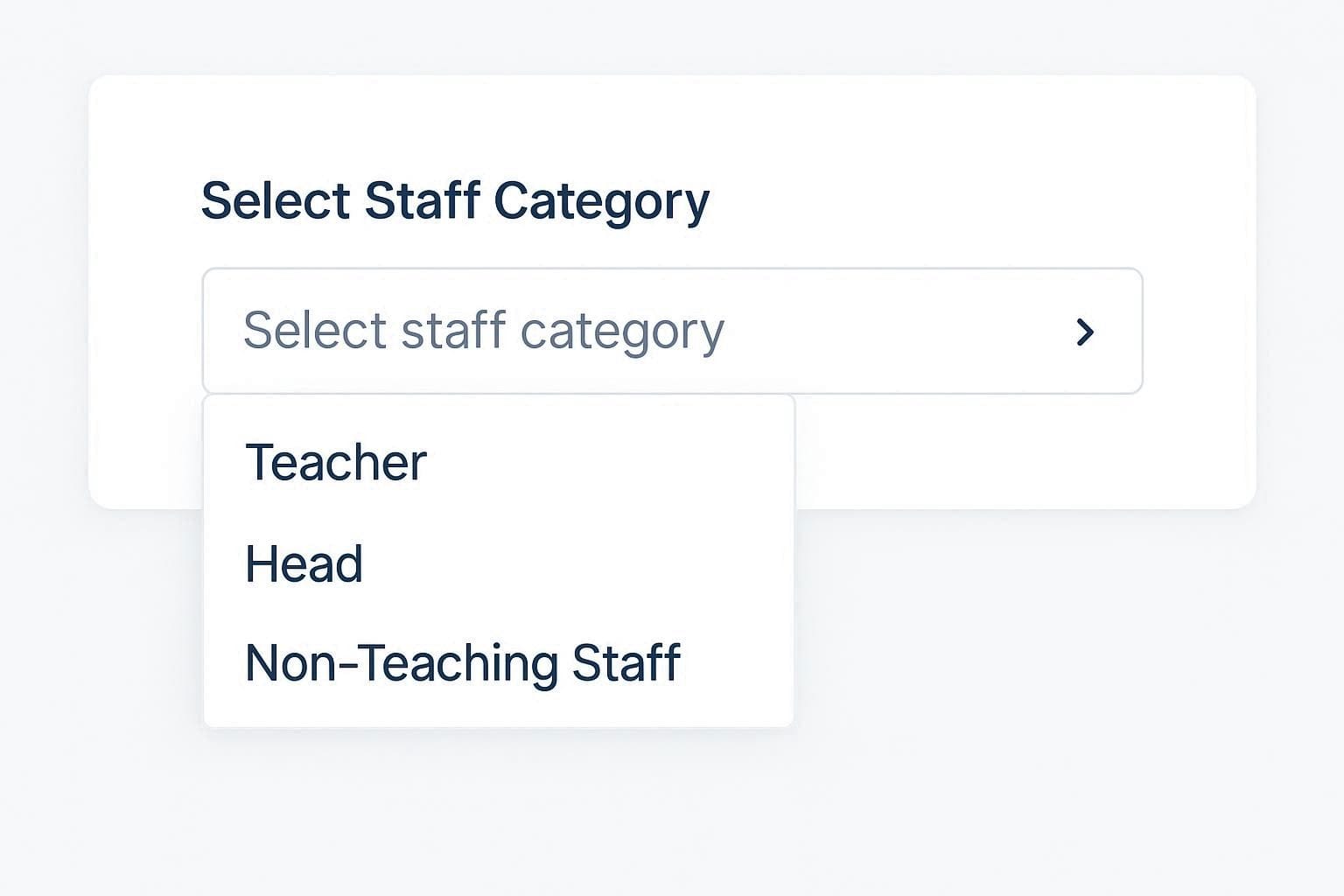
Wrong staff category selected
✅ Solution
Enter 13-digit CNIC only
(Example:3520112345678)Do not use dashes (-)
Select correct category:
Teaching Staff
Supervisory Staff
Non-Teaching Staff
Refresh page and try again
📌 Tip: Copy-paste CNIC carefully — avoid spaces.
2️⃣ Password Incorrect (Even Though It’s Correct)
Important Fact (Most Teachers Don’t Know)
👉 Sedhr uses the SAME password as SIS
If your SIS password works, Sedhr should accept it.
Fix Steps
Log in to SIS portal first
Confirm password is working
Then try Sedhr again
Use manual typing instead of auto-fill
❌ Do NOT create a new password randomly — Sedhr does not allow manual reset.
3️⃣ No “Forgot Password” Option – What to Do?
This is a known system limitation.
What You Should Do Instead
Contact your school head / DDO
Request password reset via SIS Admin
Password reset is done centrally, not by teachers
⚠️ There is no self-service password reset on Sedhr.
4️⃣ Login Page Not Loading / Blank Screen
Common Causes
Browser cache issue
Old browser version
Mobile compatibility issue
✅ Fix (Works for Most Users)
Clear browser cache & cookies
Use Google Chrome or Microsoft Edge
Open in Incognito / Private mode
Try from desktop/laptop
Disable ad-blockers temporarily
5️⃣ Login Works on SIS but Not on Sedhr
Why This Happens
Profile data not synced
Recent transfer not updated
School record mismatch
Solution
Log in to SIS
Check school & posting data
Ask admin to sync profile
In some cases, a data correction form is required
📌 This usually happens after transfers or promotions.
6️⃣ Sedhr Account Locked – What to Do?
Reason
Multiple wrong password attempts
Fix
Stop trying immediately
Contact:
School Head
Assistant Education Officer (AEO)
Request account unlock via district admin
⏱️ Unlocking usually takes 24–72 hours.
7️⃣ Sedhr Punjab Login – Correct Method (Step-by-Step)
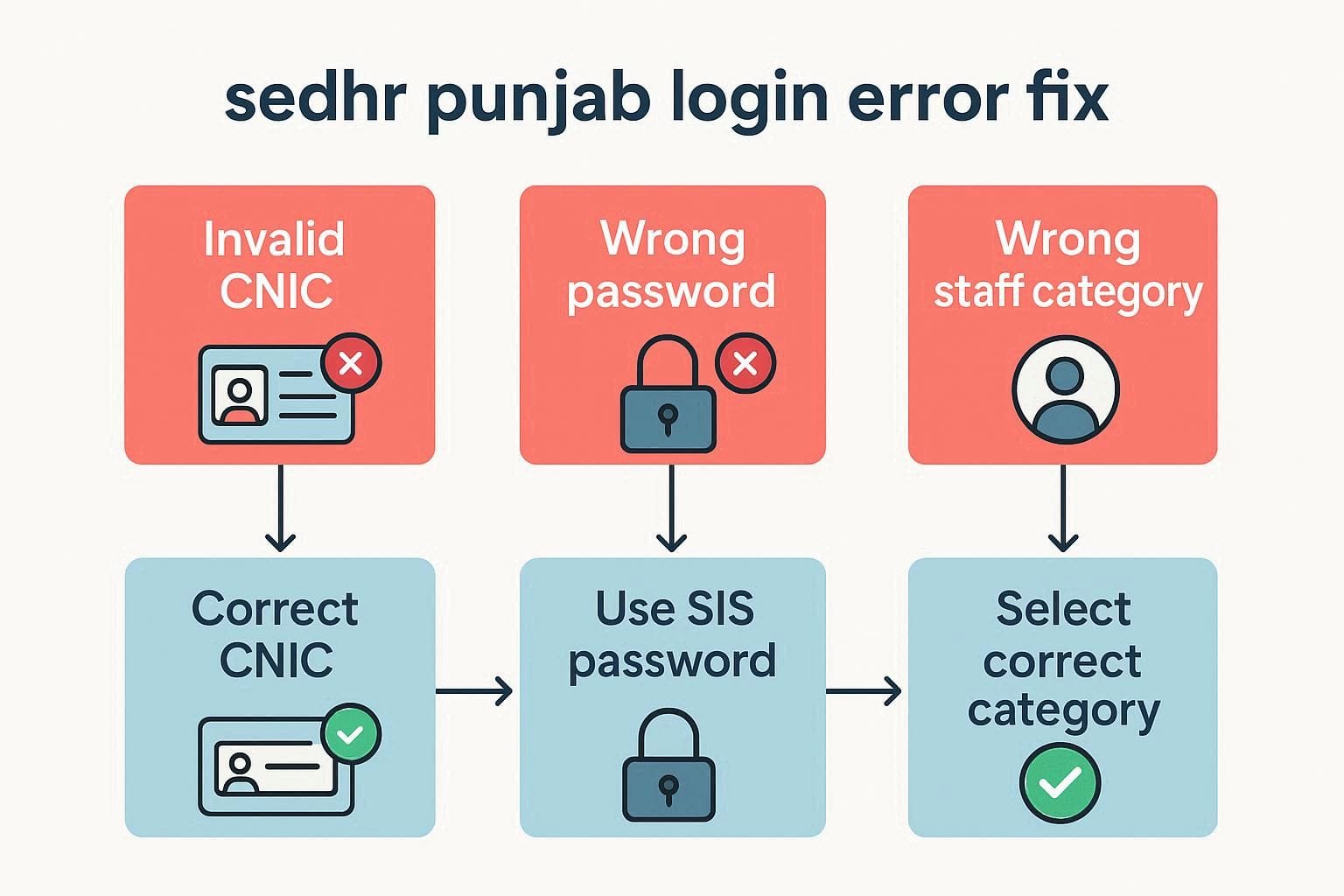
Open Sedhr Punjab portal
Enter CNIC (13 digits, no dashes)
Enter SIS password
Select correct staff category
Click Login
If it fails → follow troubleshooting above.
Frequently Asked Questions (FAQ)
Q1: Can I change my Sedhr password myself?
No. Password is controlled via SIS admin.
Q2: Does Sedhr work on mobile?
Yes, but desktop works more reliably.
Q3: Why does Sedhr show old school name?
Profile not synced after transfer.
Q4: Is Sedhr available 24/7?
Mostly yes, but outages occur during updates.
Beginners Guide:
Most Sedhr Punjab login problems are caused by:
CNIC formatting
SIS password confusion
Data sync issues
Once you understand how the system works, login issues become easy to fix.