
Microsoft Rewards is a free loyalty program that lets you earn points for everyday online activities like searching with Bing, completing quizzes, shopping in the Microsoft Store, and playing Xbox games.
These points can be redeemed for gift cards, subscriptions, sweepstakes entries, charity donations, and more. It is intent based system so that users get rewarded for actions they’re already likely to take online, making it a smart and passive way to get value out of your time spent on Microsoft services.
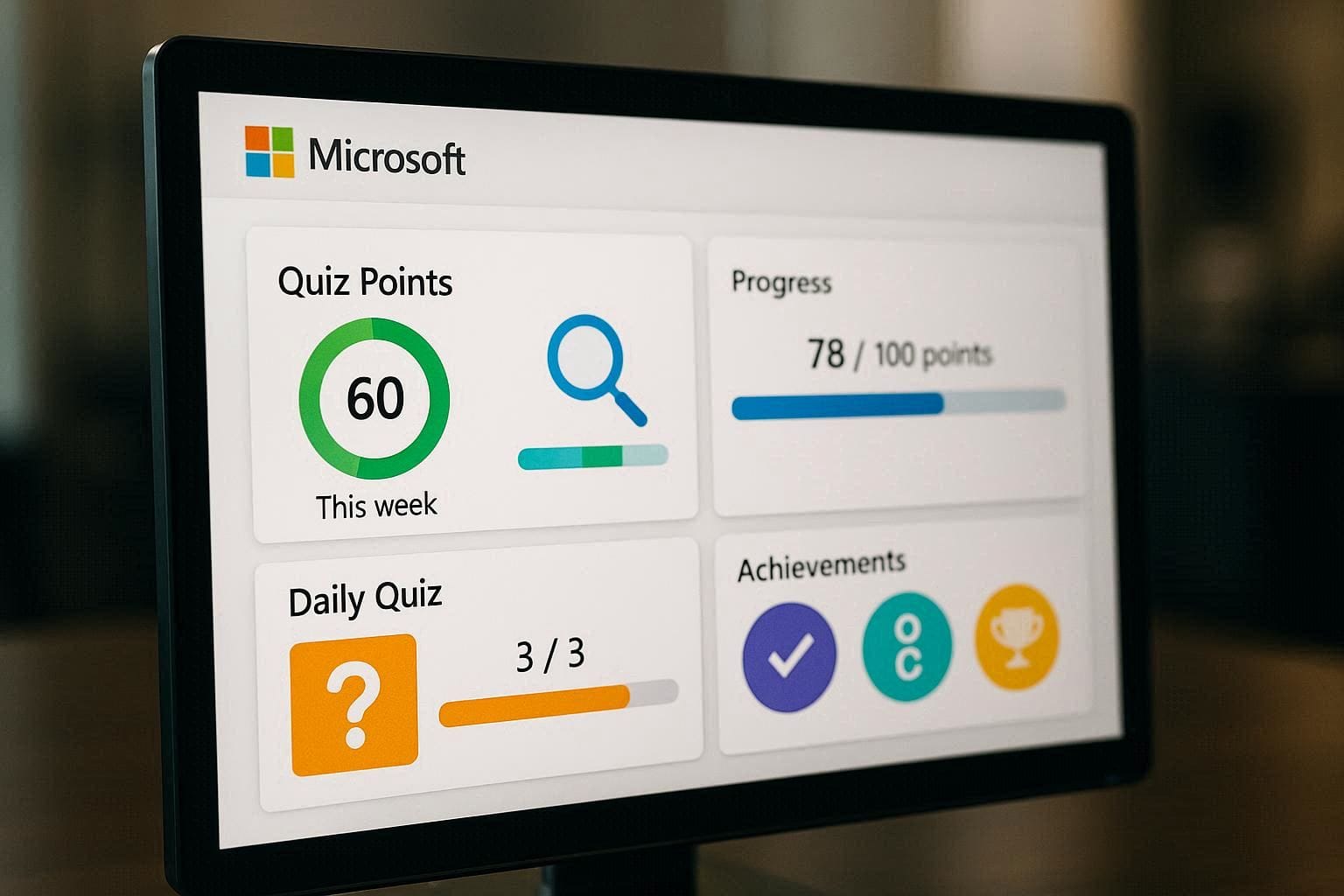
In this guide, you will learn the best ways to boost your Microsoft Rewards point balance quickly, step by step, without shortcuts that violate the terms of service or put your account at risk.
| Tier | Requirement | Daily Search Cap | Store Bonus |
| Member | None | 10 Points | 1:1 ratio |
| Silver | 200 pts/month | 30 Points | 5:1 ratio |
| Gold | 750 pts/month + 2 tasks | 60 Points | 20:1 ratio |
Beginner’s Quick-Start Checklist:
Method 1: Get Started with Microsoft Rewards
- Create or sign in to your Microsoft account
- Join Microsoft Rewards from the Rewards dashboard
- Confirm your email and region
- Bookmark the Microsoft Rewards homepage
✅ Time required: 2–3 minutes
Method 2: Earn Daily Points the Easy Way
- Use Bing for searches on PC and mobile
- Complete daily quizzes and polls
- Maintain daily streaks for bonus points
- Check the Rewards dashboard every day
✅ Time required: 5–7 minutes daily
Method 3: Boost Points with Extra Activities
- Complete promotional challenges
- Shop through Microsoft Store offers
- Use Xbox Rewards quests (if available)
- Participate in limited-time bonus events
📌 Pro Tips
✔ Stay consistent: Small daily actions add up quickly
✔ Avoid VPNs or fake traffic: Can lead to account suspension
✔ Use official apps only: Bing, Xbox, Microsoft Rewards
✔ Track streaks: Long streaks unlock extra bonuses
Microsoft Rewards in Step by Step Guide:

1. Sign Up and Set Up Your Account
All you need to do is Microsoft account so that you can start earning points and good news is that, same account is used for Outlook, Xbox, OneDrive, and other Microsoft services. Once you’re signed in at the Microsoft Rewards dashboard, you will immediately start earning points as you complete approved activities.
Tips for setup:
Confirm your email address.
Enable dashboard notifications so you never miss a bonus challenge.
Install the Microsoft Rewards app or bookmark the Rewards Hub.
2. Use Bing for Daily Searches
One of the easiest ways to earn points every day is by using Bing as your primary search engine. Microsoft Rewards rewards you for every qualifying search you make, whether on desktop or mobile.
Set Bing as the default search engine on all your devices.
Use the Bing app on your phone or tablet for extra mobile search points.
Tip: Make your searches meaningful—bing.com/search queries that meet criteria will automatically count.
Depending on your Rewards level, you can earn up to 150 points daily from searches alone.
3. Complete Daily Sets and Quizzes
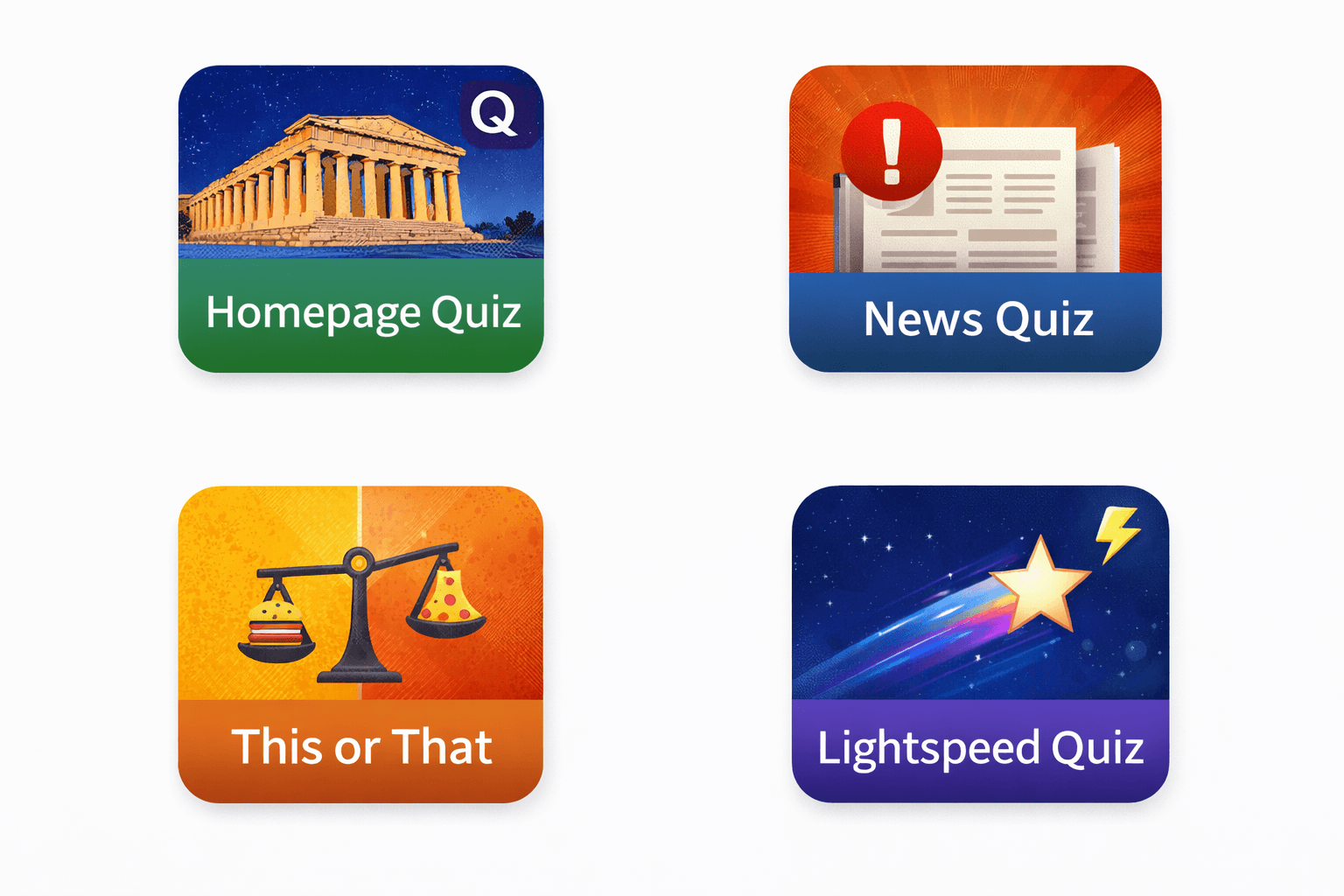
Every day, the Microsoft Rewards dashboard presents a set of bite-sized activities that are called Daily Sets that usually include:
Bing search tasks
Short quizzes
Daily polls
Read-to-earn prompts
These tasks are generally quick, take only a minute each, and reward bonus points beyond your search earnings.
Pro Tip: Completing Daily Sets every day builds a streak, and longer streaks often trigger bonus point multipliers.
4. Take Advantage of Special Promotions
Microsoft frequently runs seasonal promotions or limited-time bonus activities that offer extra points beyond usual daily tasks. These may appear during holidays, product launches, or special campaigns on the Rewards dashboard.
To stay on top of these:
Check your Rewards dashboard daily.
Enable email alerts for new offers.
Join community forums or Reddit discussions where some bonus links are shared.
5. Shop at the Microsoft Store
Purchases made through the Microsoft Store (online or via app or console) earn you points too—especially if you’re signed in with the same Rewards account.
Points are typically earned at standard rates, but during promotions or if you’re at a higher Rewards level, this can be significantly more rewarding than searches alone.
6. Make the Most of Xbox Activities
If you own an Xbox, you can boost your Rewards balance by completing selected in-game challenges or participating in Xbox Quests. Microsoft often offers bonus points for achievements, daily quests, or even simply opening the Rewards hub on your console or companion app.
Examples:
Xbox Game Pass Ultimate quests
Daily or weekly Xbox challenges
Playing featured games with Rewards tasks
7. Use Multiple Devices Strategically
Microsoft Rewards counts eligible searches and some activities separately per device type—such as PC, mobile, and Xbox—so using multiple platforms can help you stack points faster (within the allowed daily limits).
Just remember to keep the activity legitimate—your account must remain in good standing and follow Microsoft’s terms.
8. Earn Bonus Points Through Referrals
Some users can earn bonus points by referring others to join Microsoft Rewards. If a friend signs up through your referral link and completes qualification tasks, both of you can earn additional points.
This isn’t available in all regions, but where it is, it can be a nice extra boost early on.
9. Track Your Progress and Stay Consistent
Consistency matters in Microsoft Rewards. Earning points daily—even in small amounts—adds up quickly over time. Many users find that setting aside a few minutes each morning to complete dashboards, quizzes, and searches makes the process easy and sustainable.
Points expire if there is no earning activity within 18 months, so keep engaging with the program regularly.
10. Redeem Smartly
Accumulating points is only half the battle. Redeeming them wisely ensures you get the best value:
Gift cards to major retailers (e.g., Amazon, Xbox, Starbucks).
Subscriptions like Xbox Game Pass.
Charity donations.
Sweepstakes entries for prizes.
Check the Redeem page often—offers change and sometimes feature limited-time, high-value redemptions.
Redemption Strategy
Don’t redeem for $5 gift cards. Due to the 2026 inflation of point costs (e.g., Robux increased to 16,250 points for 1,000 Robux), the best value is:
Xbox Game Pass Ultimate (1 Month): Still the highest “Points-to-Dollar” ratio.
Amazon Gift Cards ($50+): Larger denominations frequently have “Gold Member” discounts that smaller ones lack.
Pro Tip: Set up Auto-Redeem. In 2026, Auto-Redeem subscribers are protected from “Stealth Price Hikes.” If you set a goal at 15,000 points and the price jumps to 16,250, Microsoft often honors the original price for that first month.
If your points aren’t tracking today, it is likely due to the January 2026 Engagement Update.
1. The 10-Second Cooldown
Bing now implements a 15-minute cooldown if it detects more than 3 searches in 30 seconds. To avoid this:
Wait at least 10 seconds between every search.
Use the Edge Address Bar for searches instead of the Bing.com homepage. Research shows address bar searches carry a higher “trust weight” for the STAR bonus.
2. The Jigsaw Puzzle (1,000 Points)
The “1,000-Point Puzzle” is now a 7-day streak requirement.
The Bug: Many users report the puzzle disappearing on day 6 or 7.
The Fix: This usually happens if you clear your browser cookies mid-week. In 2026, the puzzle progress is tied to Local Storage in addition to your account. Do not use Incognito/Private mode for your daily streak.
Microsoft Rewards – Frequently Asked Questions (FAQ)
Q1. Is Microsoft Rewards free to use?
Yes, Microsoft Rewards is completely free.
Q2. How many points can I earn per day?
It depends on your region and level, but most users earn 150–300 points daily.
Q3. Do Microsoft Rewards points expire?
Yes, points expire after 18 months of inactivity.
Q4. Can I earn points on mobile?
Yes, using the Bing mobile app earns extra points.
Q5. Is Microsoft Rewards available worldwide?
Availability and earning limits vary by country.
Microsoft Rewards Quiz – Test Your Knowledge
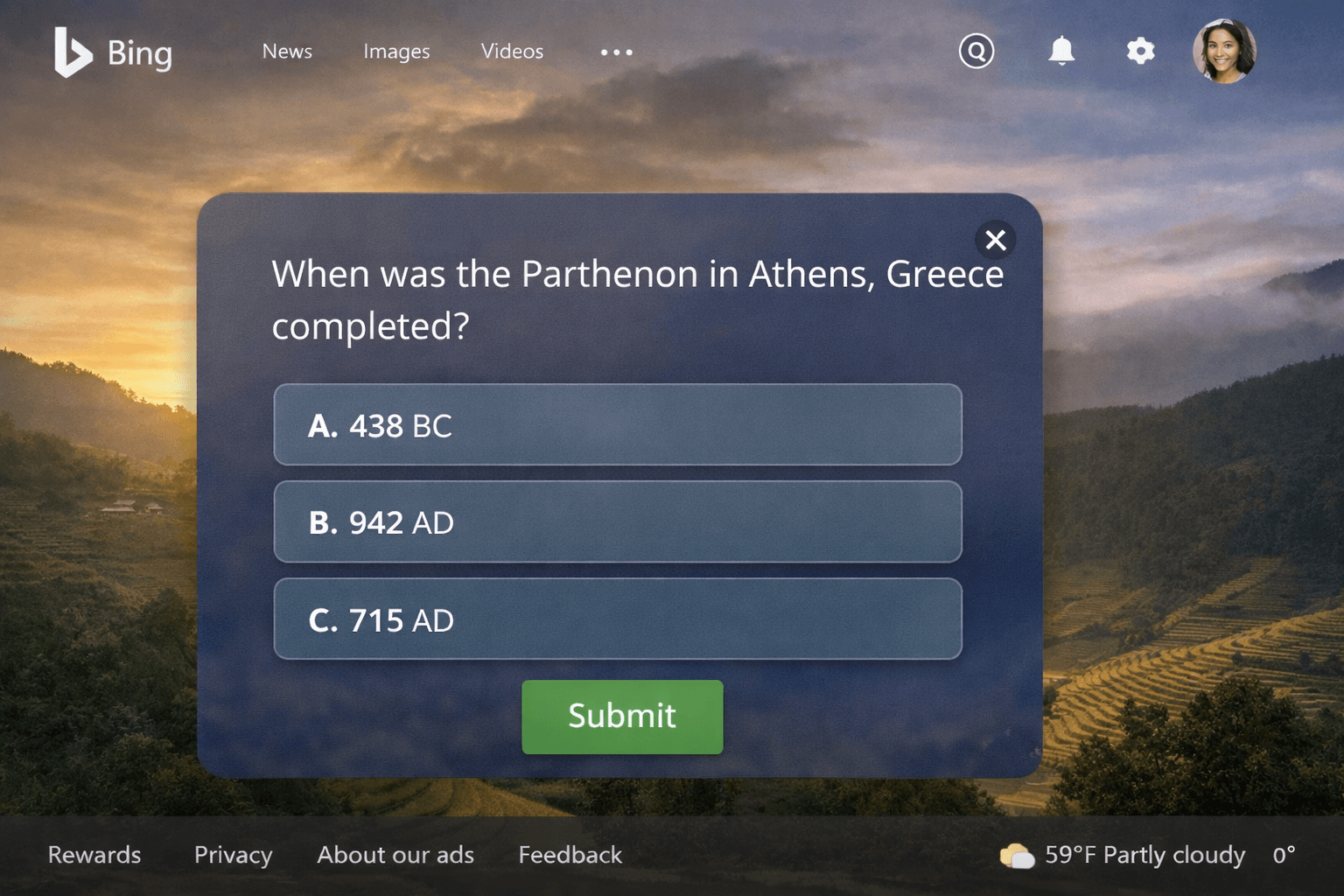
Q1. What search engine earns Microsoft Rewards points?
A) Google
B) Yahoo
C) Bing ✅
D) DuckDuckGo
Q2. Which activity gives daily bonus points?
A) Watching videos
B) Completing Daily Sets ✅
C) Sending emails
D) Downloading apps
Q3. How long do Microsoft Rewards points stay valid?
A) 6 months
B) 12 months
C) 18 months ✅
D) Never expire
Q4. Which device can earn extra Rewards points?
A) Desktop only
B) Mobile phone ✅
C) Printer
D) Smart TV
Q5. What happens if Microsoft detects fake activity?
A) Extra points
B) Account warning
C) Account suspension ✅
D) No action
Microsoft Rewards is not just about passive earning but it is about building habits that reward you for everyday online activities. By combining daily searches, quizzes, promotions, and smart engagement, you can maximize your point balance without violating program rules. Stay logged in, explore all the available tasks, and keep track of bonuses to make your Rewards experience both fun and fruitful.


Pingback: Bing Daily Homepage Quiz – Peking Duck Quiz